
AI TikTok slideshow generator
Paste your App Store link. Get a TikTok slideshow post for your app.
SlideBase reads your App Store or Google Play listing, writes the hook, lays out 6–8 photo slides and schedules the post. Built for developers who want downloads from TikTok without filming themselves or learning Canva.
Free to sign up. 3-day trial on monthly plans. Cancel any time.
How it works
Three minutes from link to post.
- 1
It reads your app
Audience, pain point and promise, pulled from your App Store description and screenshots. No brief to fill in.
- 2
It writes the first line
A hook in your audience's language, a fresh angle every day, so you are not repeating the same slide.
- 3
It lays out the slides
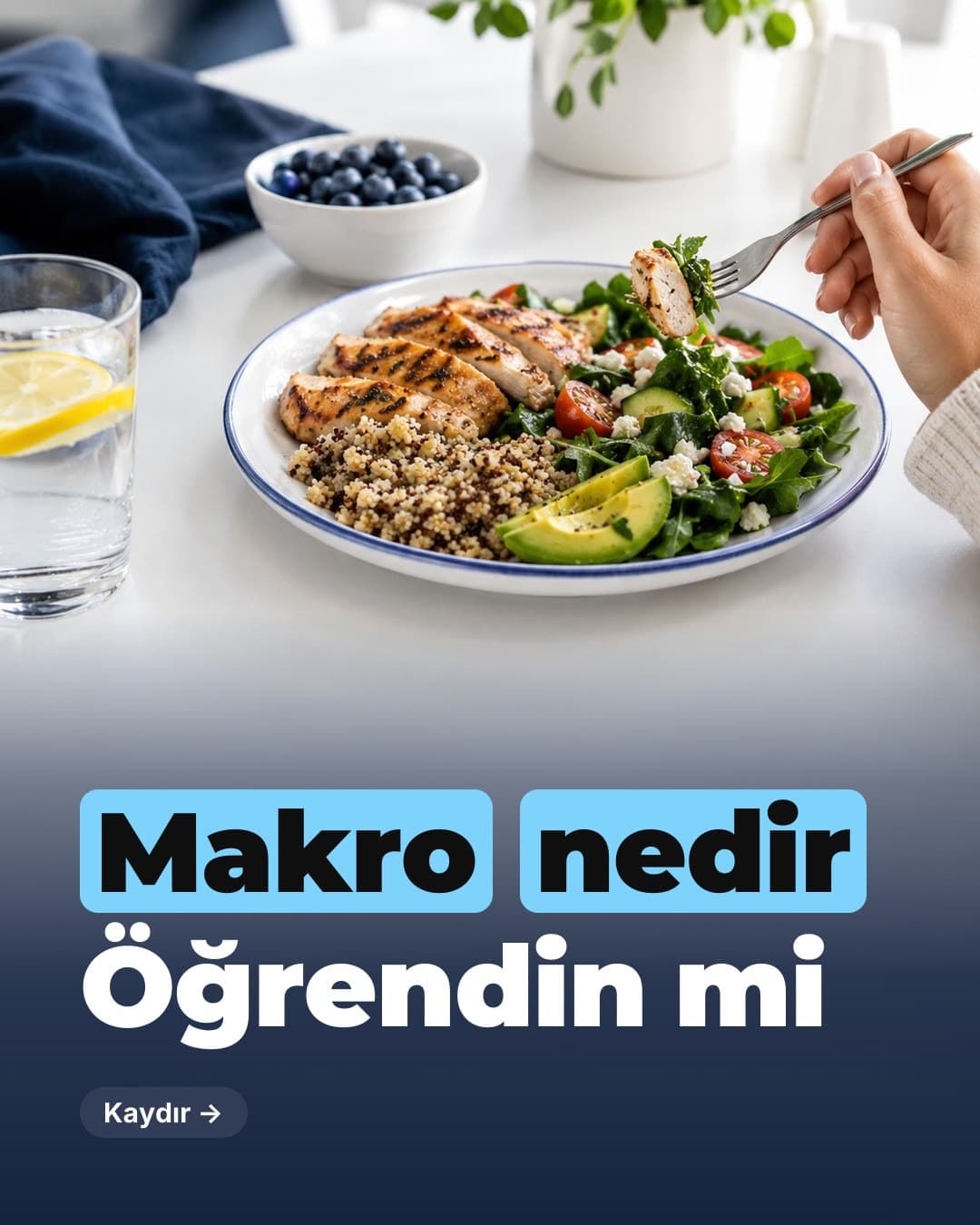
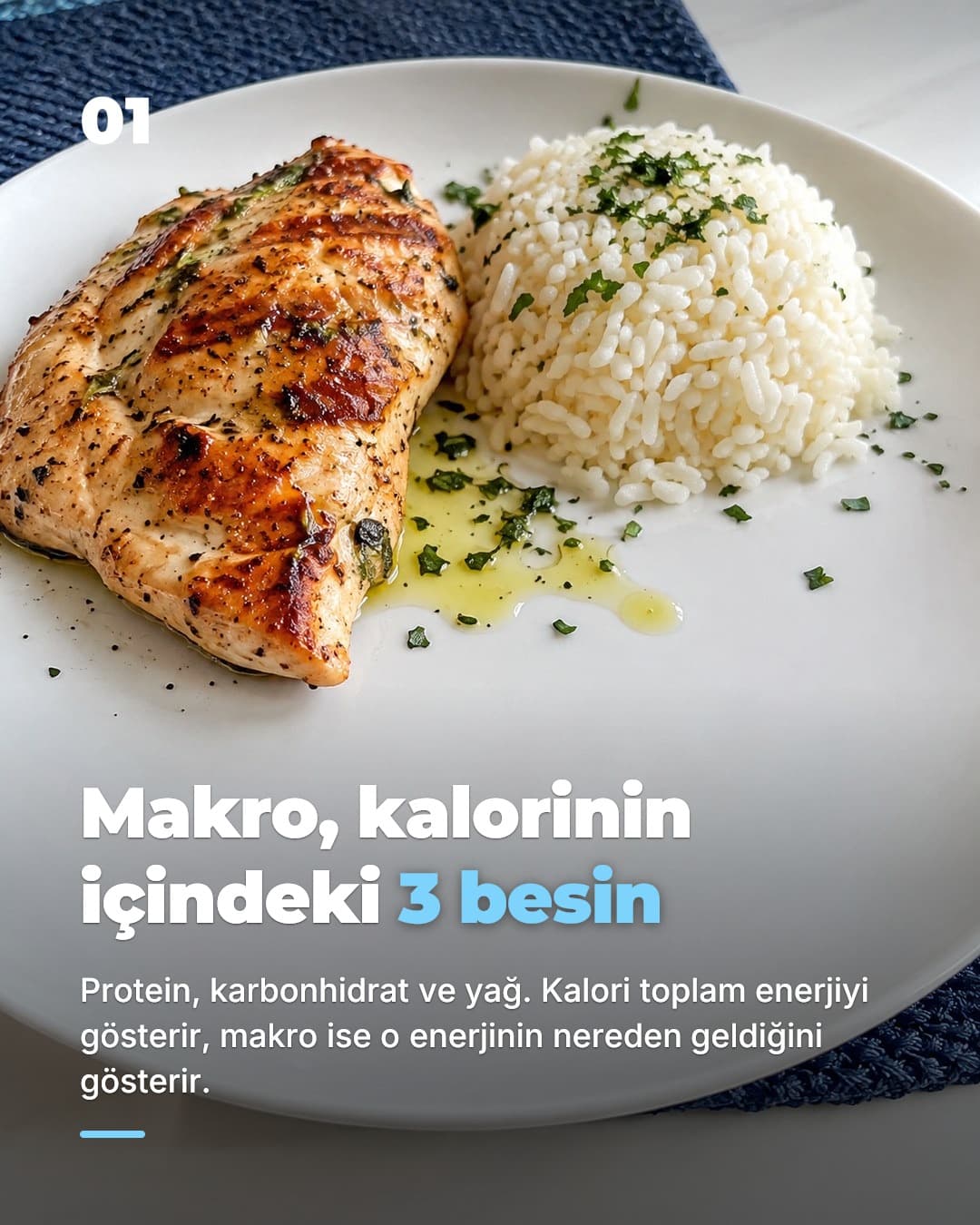
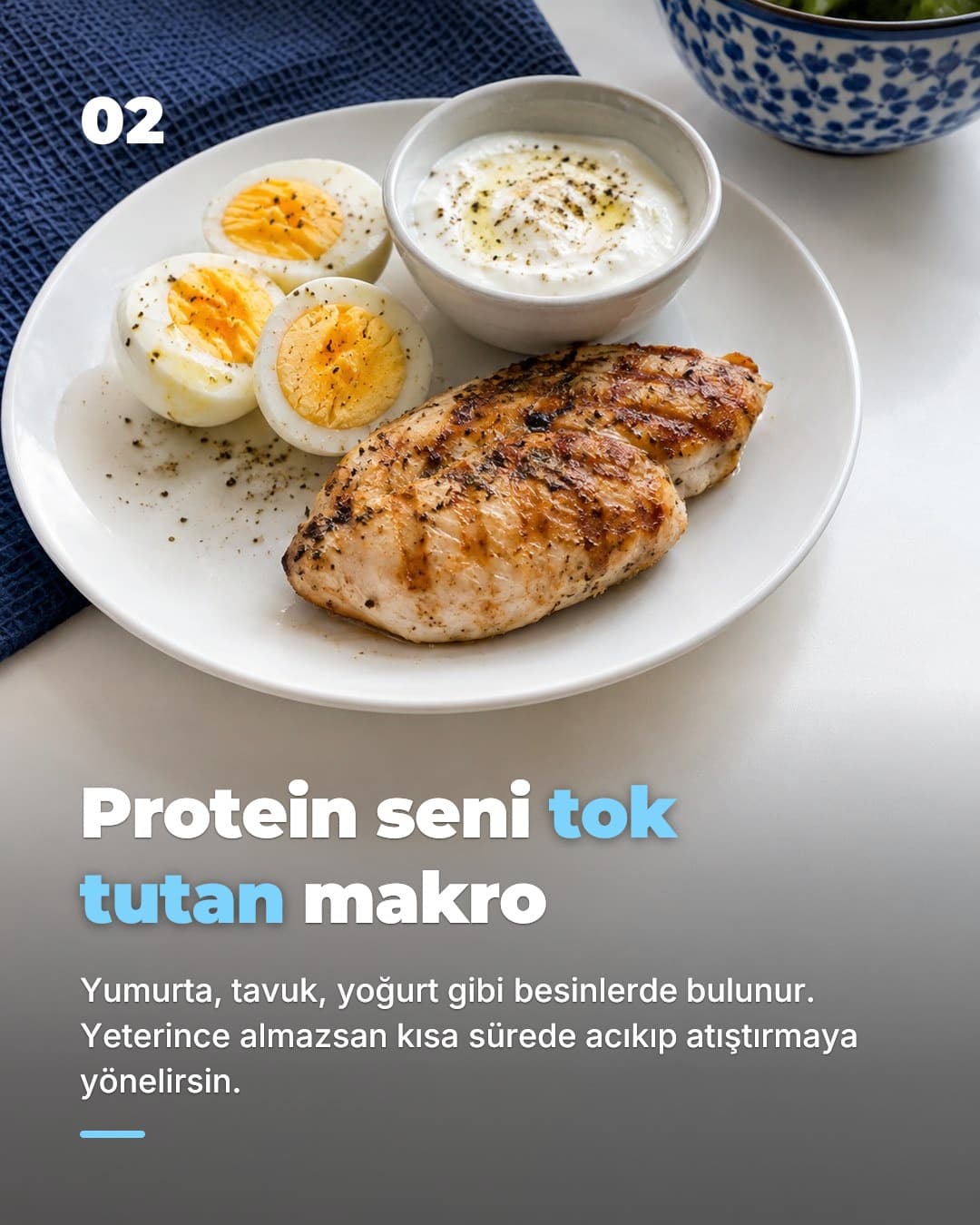
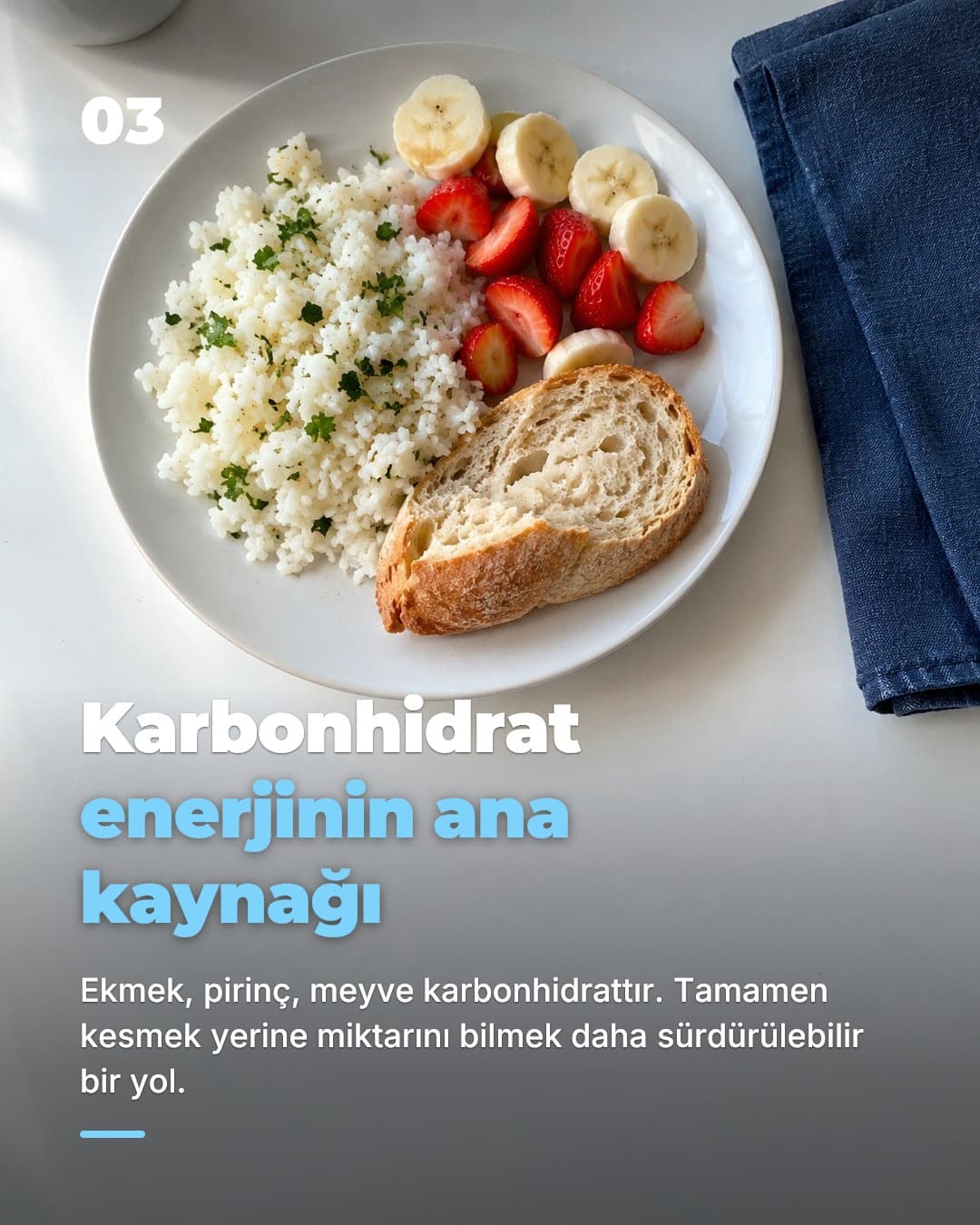
Text-free photos, your brand colours, 9:16. You check it, then post with one tap or put it on a daily schedule.
Why slideshows
Why a slideshow generator, not a video generator.
Most “AI TikTok generators” produce faceless videos: stock footage, a robot voice, subtitles. They tend to look like ads, and viewers scroll past ads. Photo slideshows are different. They sit in the same For You feed as videos, they are swiped rather than watched, and people read them the way they read a thread. For an app, that means you can explain a problem and a fix across six slides without anyone having to listen to you.
The second reason is consistency. Consumer apps that grew organically on TikTok did it with volume: one post a day, for months, on faceless accounts. Making a daily video is a job. Making a daily slideshow is a three-minute check. SlideBase is built around that: every day there is a new post waiting; you approve it or let it publish on its own.
Read the full approach in TikTok marketing for apps, or see how posting works in the TikTok slideshow scheduler.
What you get
Everything a post needs, written for your app.
Hooks that fit your audience
Not “10 tips for productivity”. SlideBase writes the first line from your listing: the people you serve and the thing that annoys them.
6–8 photo slides, 9:16
Text-free photography with your brand colours and typography. Ready for TikTok Photo Mode and Instagram carousels.
Caption and hashtags
A caption that restates the hook and points to the app, plus hashtags for the category.
Post or schedule
Connect TikTok and Instagram through their official APIs. Publish with one tap, schedule a time, or let a TikTok automation post for you every day.
Edit anything
Swap the hook, change a slide's words, pick another photo or style: editorial, real photo, flat vector or collage.
A tool, not an agency
Your account stays yours, the content is yours, and the decision to publish is yours. No retainer, no briefs.
Compare
SlideBase vs. the usual way.
| SlideBase | Canva + ChatGPT | Generic AI carousel tool | |
|---|---|---|---|
| Input | App Store link | Blank template | A topic or text prompt |
| Knows your app's audience | ✓ | — | — |
| Writes the hook for you | ✓ | You prompt it | ✓ |
| Daily fresh angles | ✓ | — | Repeats templates |
| Posts to TikTok via official API | ✓ | — | Sometimes |
| Time per post | ~3 min review | 45–60 min | 10–20 min |
FAQ
Frequently asked questions
- What is a TikTok slideshow?
- A TikTok slideshow (also called a photo post, photo carousel or swipe post) is a post made of several still images that viewers swipe through, usually with a sound underneath. TikTok introduced the format as Photo Mode. For an app, a slideshow is typically 6 to 8 vertical 9:16 images: a hook on the first slide, the problem and the payoff in the middle, and the app on the last slide.
- How does SlideBase generate a slideshow from an App Store link?
- It reads your public App Store listing: the name, description and screenshots. From that it works out who the app is for and what problem it solves, writes a first-slide hook for that audience, writes the slide text, and lays the slides out as text-free photos in your brand colours. You review the result and post or schedule it.
- Is this a video generator?
- No. SlideBase makes photo slideshows, not videos. That is deliberate: photo posts are the only TikTok and Instagram format you can produce every day without a camera, an editor or your face, and TikTok shows them in the same For You feed as videos.
- Do I need to give SlideBase my TikTok password?
- Never. Posting goes through TikTok's and Instagram's official APIs. You authorise SlideBase from your own account with OAuth, and you can revoke that access on the platform at any time.
- Does it work for Google Play apps?
- Yes. Paste an App Store or Google Play link, or a website URL. If your app is not listed anywhere yet, you can type its name and a short description instead and SlideBase works from that.
- Can I edit the slides?
- Yes. You can change the hook, the slide text, the photos and the colours before posting, and download the slides as JPEGs or a ZIP if you prefer to post by hand.
- How much does it cost?
- Plans start at $29 a month for 200 credits. Credits are spent per generated slide, so a typical 6-slide post costs around 6 credits and unused credits roll over. Monthly plans include a 3-day trial, and you can cancel any time from your account.
Your app's first post is three minutes away.
Paste your App Store link. SlideBase reads the listing, writes the hook and lays out the slides. You decide whether it goes live.
Try SlideBase freeFree to sign up. Cancel any time. Your account stays yours.
Related
Keep reading
- TikTok marketing for appsThe strategy behind daily slideshow posts and why they work for apps.
- Instagram carousel generatorThe same post, sized and captioned for Instagram.
- Faceless app marketingPromote your app without showing your face or recording a word.
- BlogGuides on hooks, content ideas and getting downloads without ads.