
Faceless app marketing
Promote your app without showing your face.
Faceless app marketing is how most indie apps actually get noticed on TikTok and Instagram: photo slideshow posts that explain a problem and show the app, no camera, no voiceover. SlideBase makes one for your app every day from your App Store link.
Free to sign up. 3-day trial on monthly plans. Cancel any time.

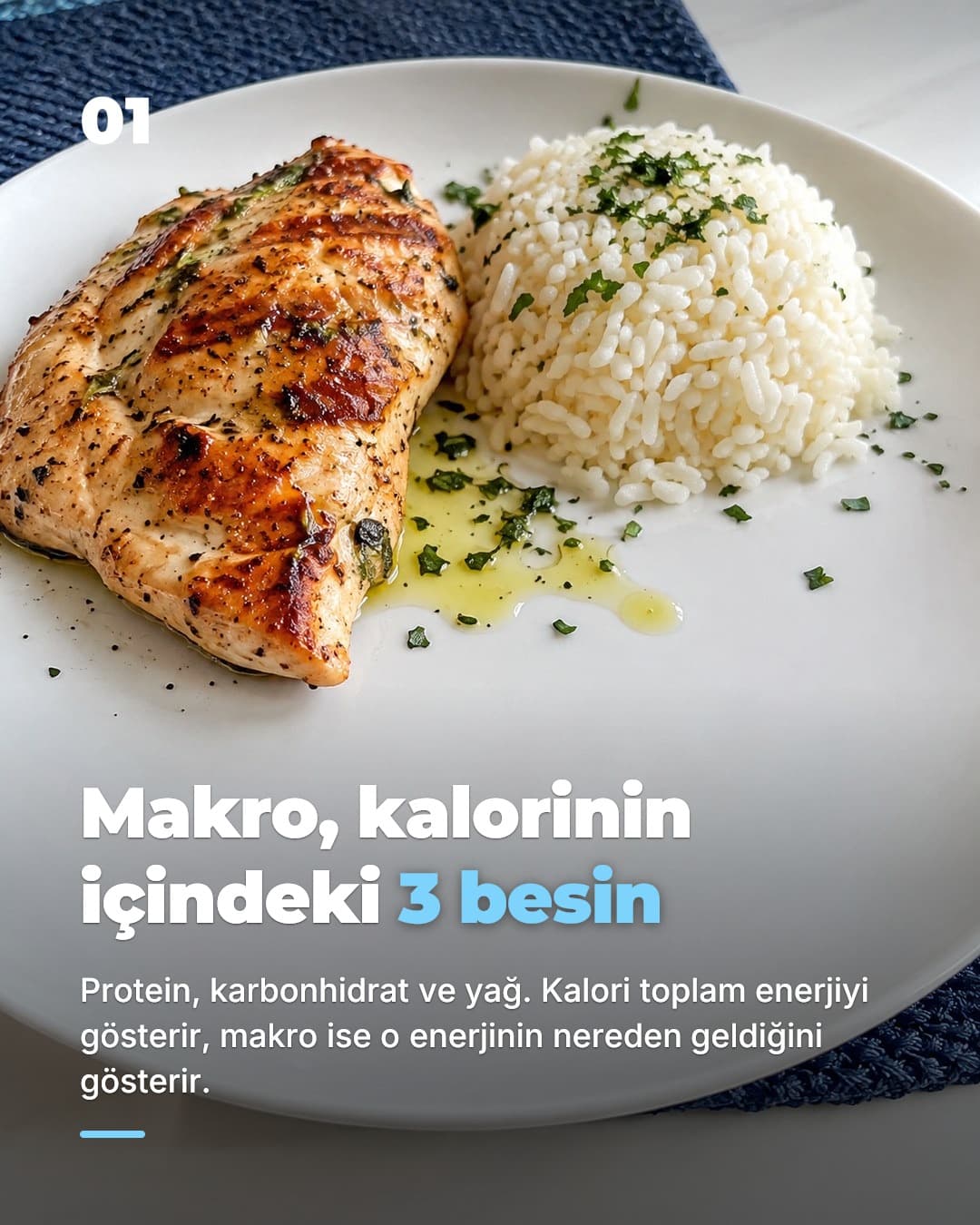
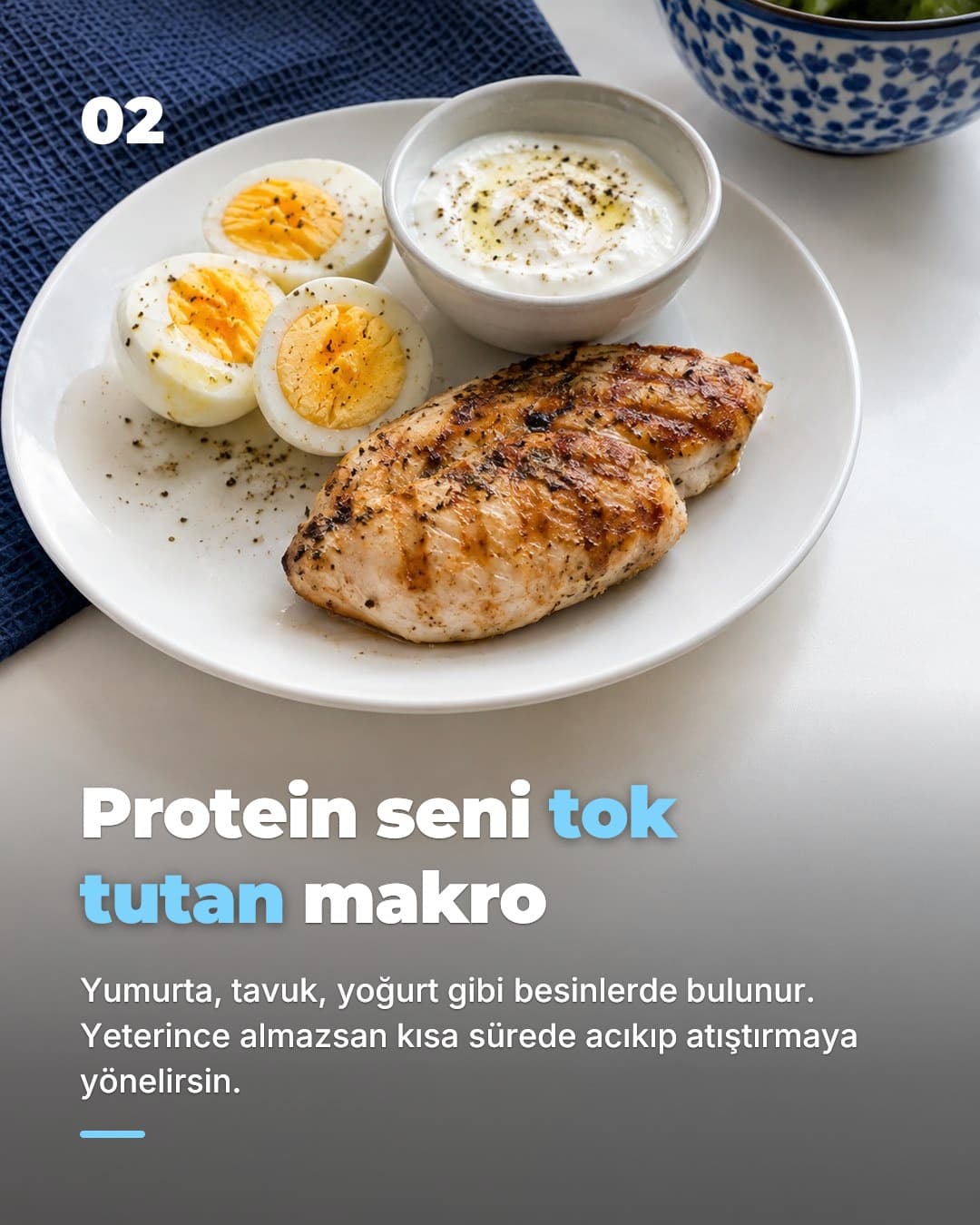
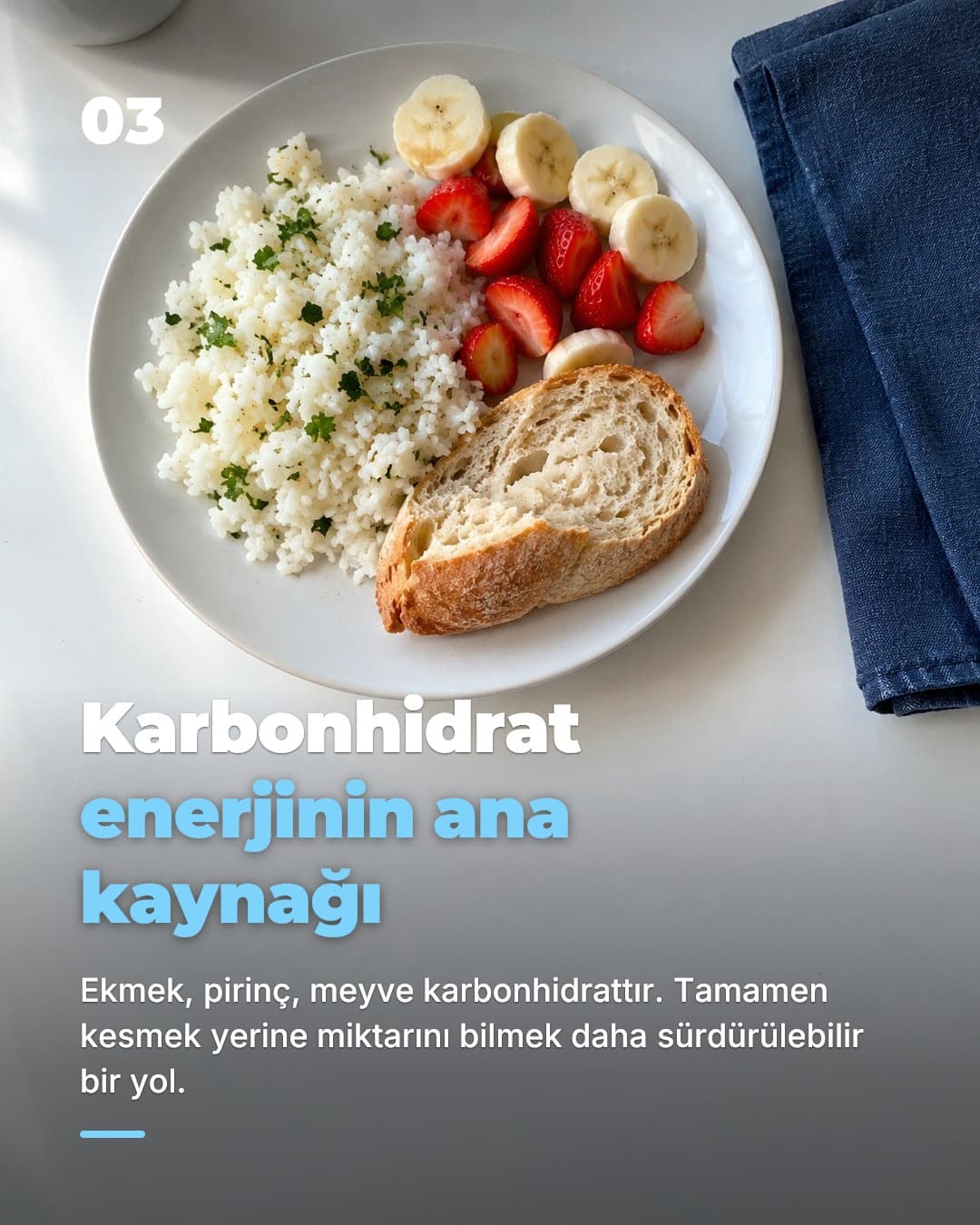
The real blocker
Why most developers never post
You shipped the app. You know who it is for. You have read every thread saying TikTok is where consumer apps get downloads without an ad budget. And you still have not posted, because every piece of advice ends with the same instruction: film yourself talking about it.
That is not laziness. For a lot of developers it is a hard no. You do not want your face attached to a side project that might not work. You do not want colleagues or an employer finding it. English might be your second language and you do not want your accent to be the thing people comment on. Or you simply do not have the time: a talking-head clip is a script, a setup, five takes, an edit, subtitles. Done daily, that is a second job on top of the one that pays.
So the account sits at zero posts while the Reddit launch fades and the Product Hunt spike turns into a flat line. The app does not have a marketing problem. It has a format problem: the only format you have been told about is one you will never consistently produce.
The fix is to pick a format that needs nothing from you except the app itself. That is what faceless app marketing is: the account is named after the app or the problem it solves, the posts are built from screenshots, text and photos, and no human appears or speaks. Apps like Cal AI (15M+ downloads) and Umax (10M+) grew largely on this kind of content, as covered by TechCrunch and visible in their Google Play counts. They are not SlideBase customers, and the point is not that you will match them. The point is that the feed never asked for their founders' faces either.
Formats
The faceless formats, ranked
"Faceless" covers four very different things. They are not equal. Here is how they compare on the things that matter when you are one person with an app and a day job.
| Format | Effort per post | Looks like an ad? | Works daily? | Needs your face or voice? |
|---|---|---|---|---|
| Photo slideshows (6–8 slides) | 3–15 min | No, reads like a thread | ✓ | — |
| Faceless stock-footage videos | 30–60 min | Yes, usually | Hard to sustain | Synthetic voice or none |
| Screen recordings | 20–40 min | Somewhat, feels like a demo | Runs out of things to show | Voice helps, not required |
| UGC creators | Briefing + review, plus a fee per clip | No, that is the point | Only with budget | Someone else's face |
Photo slideshows win on every column that matters to a solo developer. TikTok shows Photo Mode posts in the same For You feed as videos, Instagram has run on carousels for years, and a slideshow is the one format you can make from nothing but your listing and a few sentences. This is the format SlideBase makes; the AI TikTok slideshow generator page shows the mechanics.
Faceless stock-footage videos are what most "faceless content" tools sell: b-roll, captions, a synthetic voice. They are faceless, but viewers have learned to scroll past them in under a second because they look like the ads in the same feed. They also take real editing time, which is why most accounts built on them stop after two weeks.
Screen recordings are honest and cheap for a launch, and a short clip of the app doing its one thing well is worth posting. The problem is the second month. An app has a finite number of screens, and a recording with no hook on the first frame rarely stops anyone mid-scroll. Use them as one post in ten, not the backbone.
UGC creators are how the big faceless success stories scaled: hundreds of creators posting about the same app. It works, and it is faceless for you, but it costs money per clip and management time per creator. It is a step you take after your own account has proven which hooks land, not before. Our guide to getting app downloads without ads covers when that step makes sense.
The system
A faceless posting system in 15 minutes a day
Faceless only works with consistency, and consistency only works if the daily routine is short enough to survive a bad week. Here is a routine that fits in a coffee break, with or without SlideBase.
- 1
Set up the account once
Name it after the app or the problem ("macro tracking tips", not your name). Icon, one-line bio, link to the store. Keep the handle platform-neutral so the same name works on TikTok and Instagram.
- 2
Pick one audience and one pain
Say you built a habit tracker. Pick "people who quit on day four" and the pain "streaks feel like punishment". Every post this week speaks to that one person. Next week, a different one. SlideBase pulls audiences and pains from your listing so you are choosing, not inventing.
- 3
Write the first slide only
The hook is the whole job. The rest of the slides follow from it. Spend your minutes here; see the hook patterns in our TikTok hooks for apps page if you are stuck.
- 4
Let the slides be made
Paste your App Store or Google Play link into SlideBase and it writes the slide copy, caption and hashtags, generates text-free background photos and typesets 6 to 8 slides in your brand colours. Edits to the text are free and re-render in seconds.
- 5
Review, then post or schedule
Read it like a stranger would. If slide one does not stop you, change the hook and try again. Then publish to TikTok or Instagram through the official APIs, or schedule a time. On TikTok, a daily automation can prepare and post for you.
- 6
Check comments, not views
Views are noisy for weeks. Comments and saves tell you which pain is real. Fold the best questions into next week's hooks. Tomorrow, repeat from step three.
The full strategy, including how many posts a day make sense and when to open a second account, is in the TikTok slideshow strategy for apps. If you want the posting side handled, the TikTok slideshow scheduler explains how daily automations work.
Anatomy
What a faceless app post looks like
Take the hypothetical habit tracker. Here is a six-slide post, slide by slide, with the job each one does. Nobody appears, nobody speaks, and the app shows up exactly once.
Slide 1: the hook
Big text, one line, a photo that fits the mood. "I quit every habit on day four. Then I noticed why." It names the reader, not the app.
Slide 2: the problem, made specific
"Streak apps punish you for missing once. One red X and the whole thing feels pointless." The reader should think: that is exactly me.
Slide 3: the insight
"The habit was never the problem. The scoring was." A reframe gives people a reason to keep swiping and something worth saving.
Slide 4: the fix, without a brand yet
"Track weeks, not days. Four out of seven still counts." Advice that stands on its own, so the post is useful even if nobody downloads anything.
Slide 5: the app, shown
A screenshot of the weekly view, your brand colour behind it, one caption: "This is the only screen I check now." This is the only slide where the app appears.
Slide 6: the ask
"Free on the App Store. Name in bio." Short, direct, no urgency tricks. The caption repeats the hook and carries up to five hashtags.
Styles vary: Editorial, Real Photo, Flat Vector or Scrapbook Collage, in 9:16 for TikTok or 4:5 for the Instagram feed. The structure does not. More variations are in TikTok content ideas for apps, and the Instagram version is covered on the Instagram carousel generator page.
FAQ
Frequently asked questions
- What is faceless app marketing?
- Promoting a mobile app on social platforms without the founder appearing on camera or recording a voiceover. In practice it means posts where the content carries the message: photo slideshows, text on images, screenshots of the app. The account is usually named after the app or the problem it solves, not after a person.
- Can you really promote an app on TikTok without showing your face?
- Yes. TikTok's Photo Mode puts photo slideshows in the same For You feed as videos, and the feed does not care whether a person is in the post. Several consumer apps, Cal AI and Umax among them, grew to tens of millions of downloads largely through faceless TikTok content made by the team and by paid creators. That is not a guarantee for your app, but it shows the format itself is not a handicap.
- Do photo slideshows work on Instagram too?
- Yes, as carousels. SlideBase makes the same post in 4:5 for the Instagram feed and publishes or schedules it through the official Instagram API. Your Instagram account needs to be a Business or Creator account for API posting.
- Is SlideBase a faceless video generator?
- No. SlideBase makes photo slideshow posts, 6 to 8 still slides, not videos. Faceless stock-footage videos with a synthetic voice tend to read as ads; a slideshow reads like a thread someone swipes through. Both are faceless, but they land very differently.
- Do I need to give SlideBase my TikTok or Instagram password?
- Never. You connect your accounts through TikTok's and Instagram's official OAuth flows from your own account, and you can revoke the access on the platform at any time. SlideBase never sees your password.
- How much time does a faceless posting routine take?
- With SlideBase, around 15 minutes a day: open the post it prepared from your listing, read the hook, tweak a line if you want, then publish or schedule. On TikTok you can also set a daily automation that prepares and posts for you, with a chance to swap a post you do not like before it goes out.
- What does it cost?
- Starter is $29 a month for 200 credits, Pro is $49 for 400 and Ultra is $99 for 1,000; yearly billing brings those to $23, $39 and $79 a month. Credits are spent per generated slide, so a 6-slide post is about 6 credits, and unused credits roll over. Monthly plans come with a 3-day trial, card required, and you can cancel any time.
- Which languages can the posts be in?
- English and Turkish for now. The input can be an App Store link, a Google Play link, a website URL, or a typed name and description if your app is not listed yet.
Your first faceless post, from your App Store link.
Paste the link. SlideBase reads the listing, writes the hook and lays out the slides. Your face, your voice and your password stay out of it; the decision to publish stays yours.
Try SlideBase freeFree to sign up. Cancel any time. Your account stays yours.
Related
Keep reading
- TikTok marketing for appsThe strategy behind daily slideshow posts and why they work for apps.
- TikTok hooks for appsFirst-slide patterns that stop the scroll, by app category.
- How to promote an app on TikTokThe step-by-step guide, from account setup to the first hundred posts.
- Indie app marketing guideEverything a solo developer needs that is not an ad budget.