
TikTok marketing for apps
TikTok marketing for apps, without filming yourself.
A daily photo slideshow system for indie developers: how to promote an app on TikTok with posts you can make in three minutes, where to find the angles, and what to skip. SlideBase generates the posts from your App Store link.
Free to sign up. 3-day trial on monthly plans. Cancel any time.
Why TikTok
Why TikTok works for apps in 2026
TikTok marketing for apps works for one structural reason: the For You feed is not a follower feed. A brand-new account with zero followers can put a post in front of the exact people who have the problem your app solves, because distribution is decided per post, not per account. For an indie developer that is the only channel where a $0 budget and a good angle compete on roughly equal terms with a funded competitor.
The second reason is that apps are unusually easy to explain in this format. A habit tracker, a calorie counter, a budgeting app: each one is a small daily problem with a screenshot that shows the fix. That is the whole shape of a TikTok post. Apps like Cal AI (15M+ downloads), Umax (10M+) and RIZZ (5M+), download counts per their Google Play listings and TechCrunch coverage, grew largely on organic TikTok content from many accounts, much of it faceless. They are not SlideBase customers; they are proof the format carries apps.
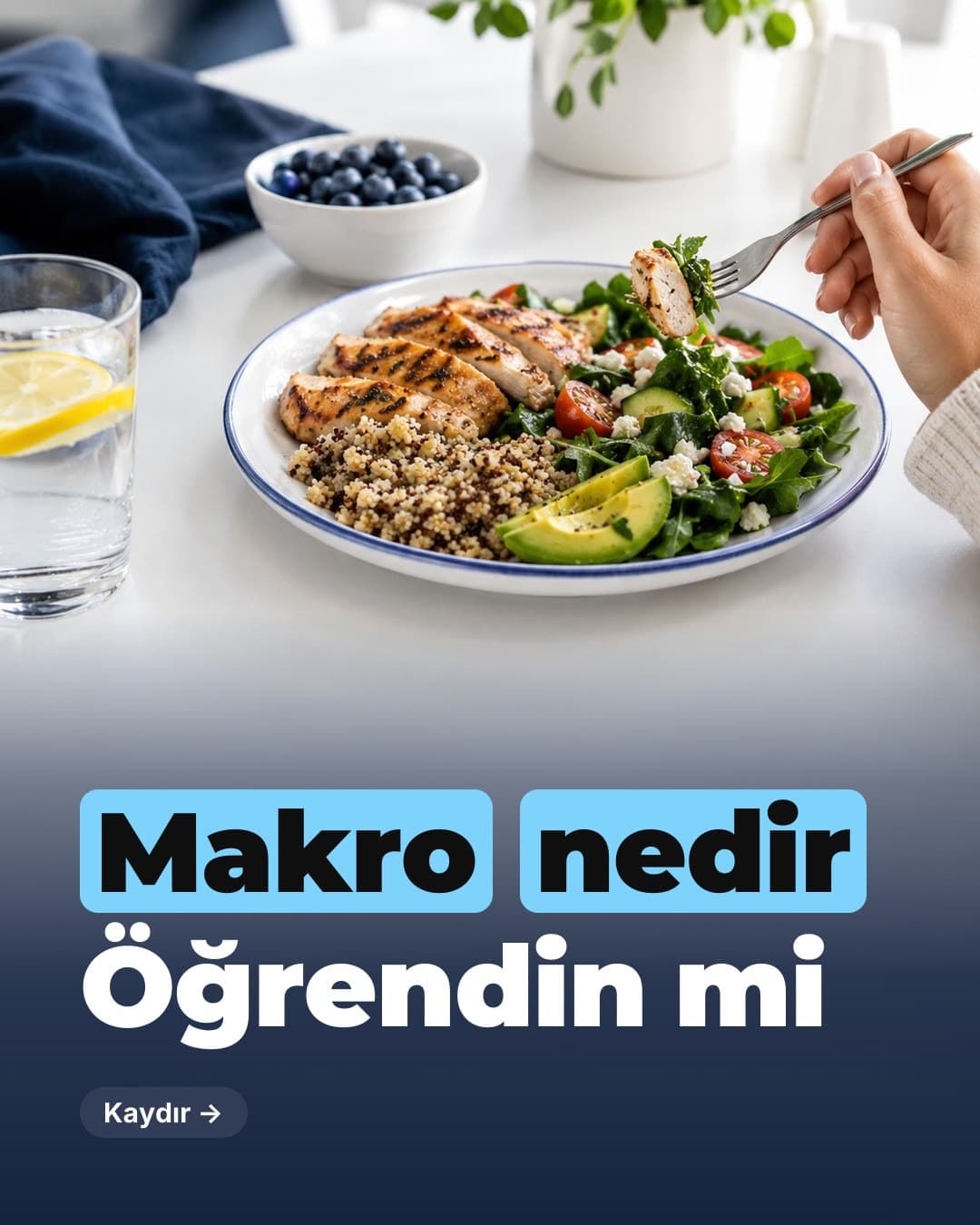
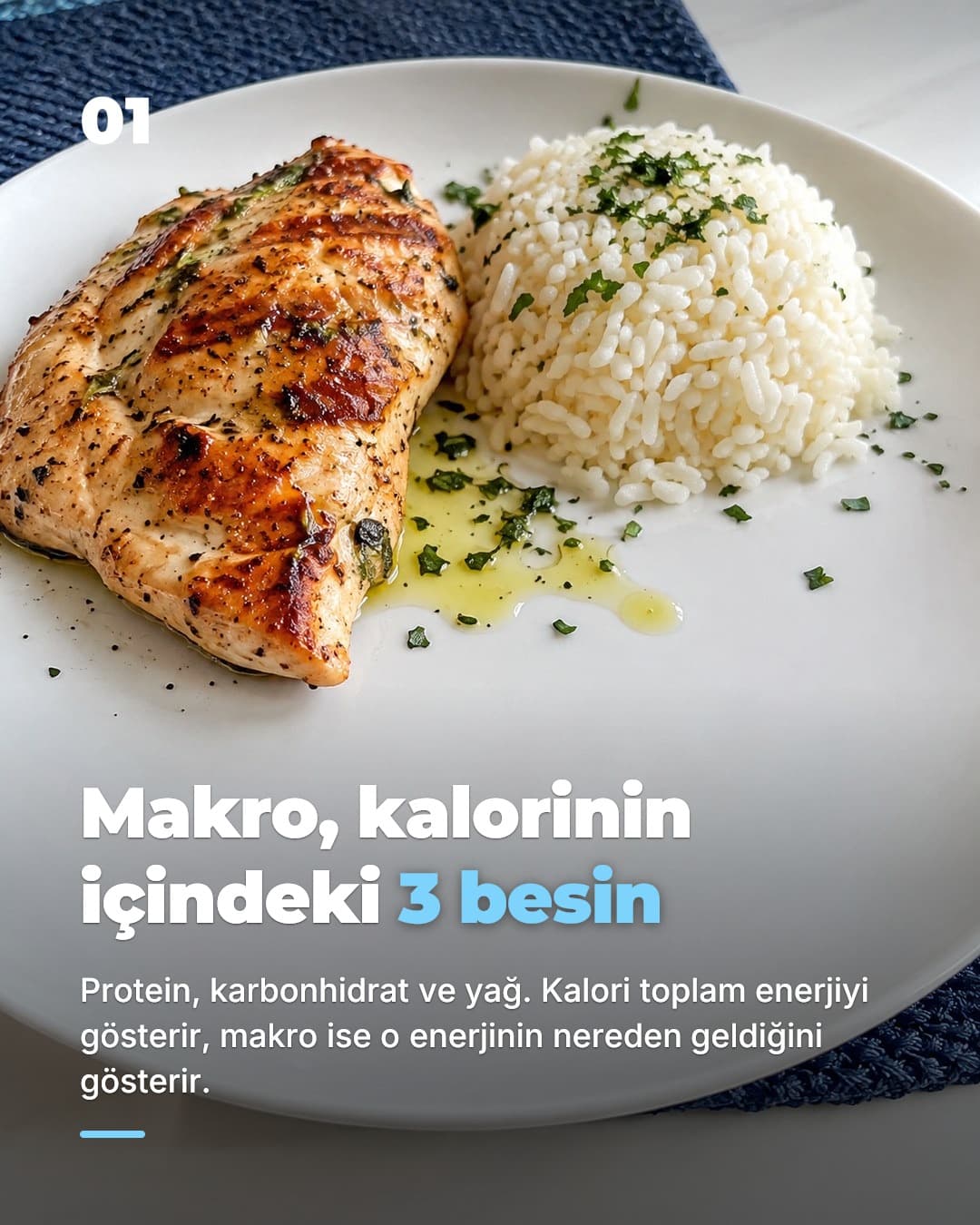
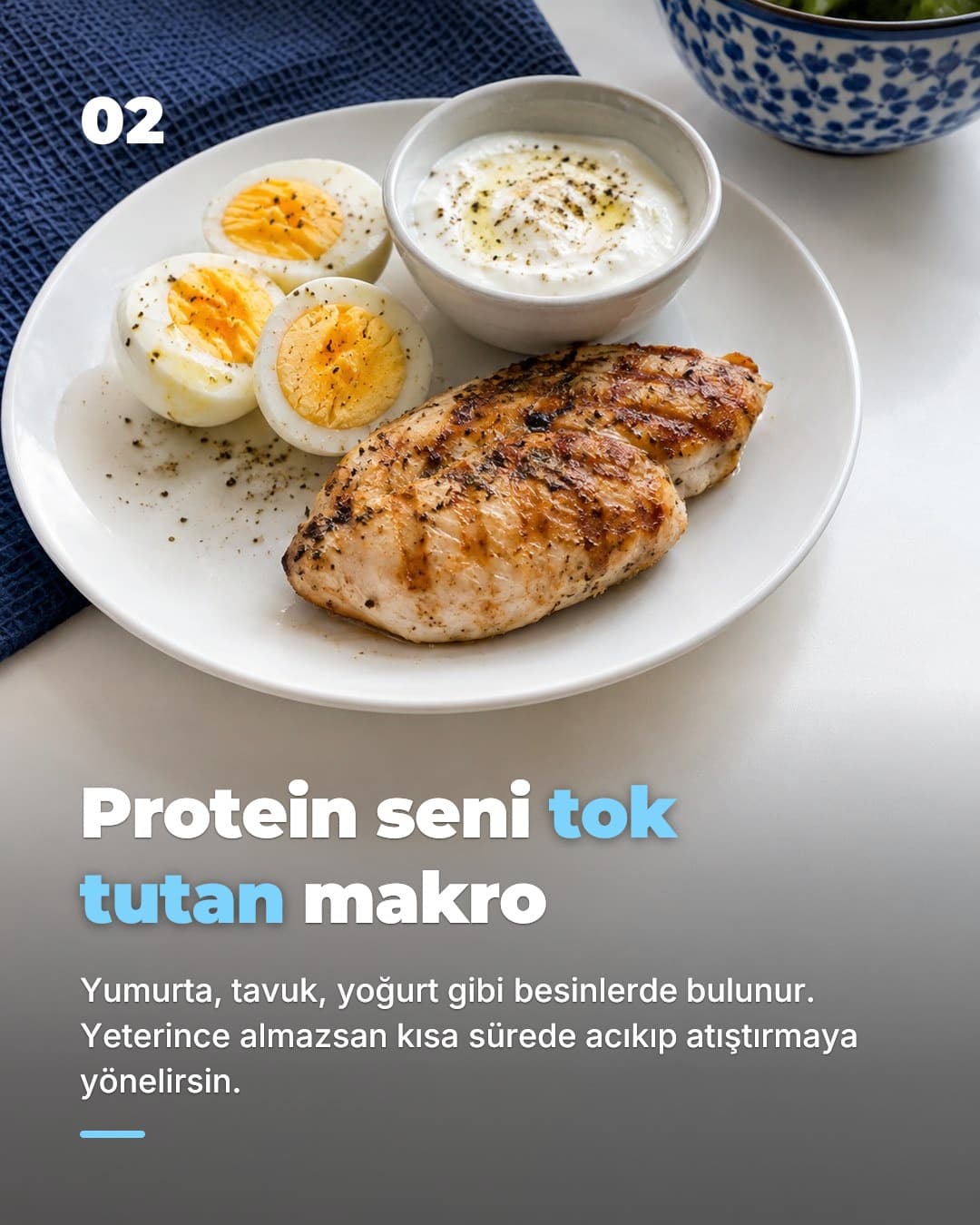
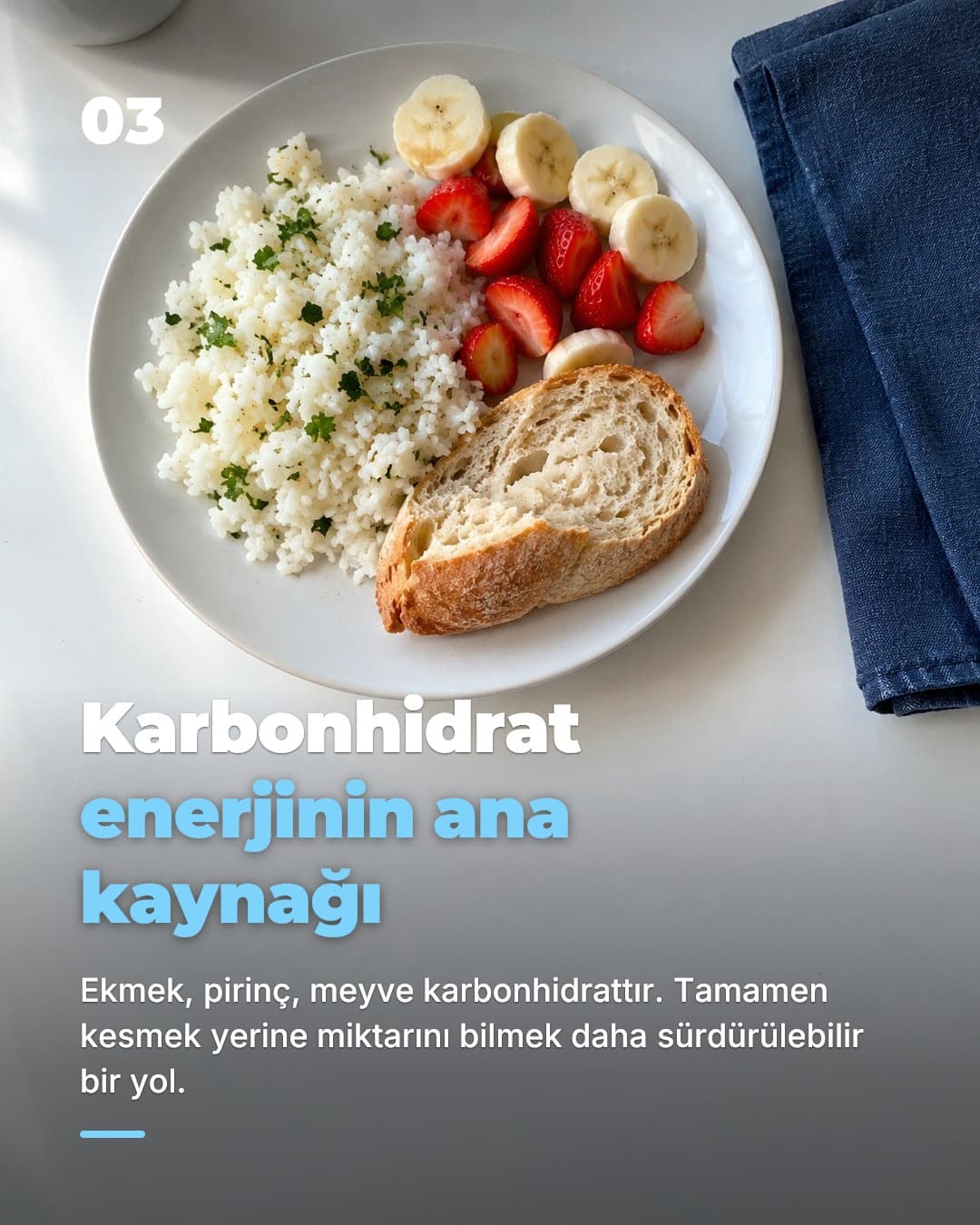
The third reason is the photo slideshow itself. TikTok shows slideshows in the same feed as everything else, people swipe through them the way they read a thread, and you need no camera, voice or face to make one. That removes the thing that stops most developers from doing TikTok app marketing at all: the production cost of a daily post. Our faceless app marketing page goes deeper on that choice.
One disambiguation, since the search results blur it: “promote app on TikTok” is often read as TikTok's paid Promote button, which boosts a single post for a fee. That is a tactic you might use on a post that already works. Everything on this page is about the organic side: earning reach with content, not buying it.
The system
The daily slideshow system
- 1
One account, one app, one audience
Make an account dedicated to the app, not your personal profile. Pick a single audience to start (say, people who skip breakfast and feel it by 11am) and write every post to them.
- 2
A fresh hook every day
Slide one does all the work. Lead with the problem in the viewer's words, a surprising claim, or a before-and-after. Pull hooks from our free library of TikTok hooks for apps and rotate angles so you are not repeating yourself.
- 3
6 to 8 slides, app on the last one
Hook, problem, two or three slides of payoff, then the app with its name and a screenshot. Caption restates the hook and points to the link in bio. Post at a consistent time.
- 4
Post daily for at least 30 days
Reach is per post, so most posts will do little and a few will carry the month. You only find the few by shipping the many. Judge the account after 30 posts, not after 3.
- 5
Read the comments, not just the views
Comments tell you which problem framing landed and which objection to answer next. Each one is tomorrow's hook. Downloads follow when the same angle shows up again and again.
- 6
Automate the production, keep the decision
SlideBase generates the day's post from your listing and can publish it on a schedule through TikTok's official API. You still see every post first and can rebuild one you do not like. The scheduler page explains how.
The whole loop is a three-minute review once the system is running. The AI TikTok slideshow generator handles writing and layout, and the TikTok slideshow scheduler handles the daily publishing. For the long version with examples, read how to promote an app on TikTok.
What to post
What to post: 5 post types for apps
1. The problem rant
Six slides on how annoying the problem is, in your audience's words, with no app until the last slide. Say you built a budgeting app: “Things nobody tells you about your first salary” and the app appears at the end as the fix.
2. The feature as a tip
Teach something your app does, as advice. “How to actually hit your protein goal” becomes a tip list where the final tip is your calorie counter's barcode scanner, shown as a screenshot.
3. Before and after
Slide one is the mess (a cluttered notes app, a spreadsheet of expenses), the last slide is the same thing inside your app. Works for anything with a visual result.
4. The comparison
“I tried 5 habit trackers for 30 days” with one slide per app and honest notes. Yours is on the list, not necessarily first. Readers trust the format and you get the search.
5. The listicle
“7 apps that make living alone easier” where yours is one of seven. Lower intent per view, but these travel furthest and are the easiest to produce daily. Rotate them with the four types above.
SlideBase writes posts in the first two shapes by default (a value format, hook to benefit to CTA, and a story format, hook to problem to discovery to result) and you can steer the others by editing the hook. Need more angles? There are 45 of them in TikTok content ideas for apps.
Compare
Organic slideshows vs TikTok ads vs creators
| Daily organic slideshows | TikTok ads | Paid creators | |
|---|---|---|---|
| Upfront cost | Your time, or a tool subscription | Ad budget, billed per result | Fee per creator, per post |
| Works with zero followers | ✓ | ✓ | Depends on the creator's audience |
| Compounds over time | Yes, the account and the archive stay | Stops when the budget stops | Stops when the contract stops |
| You learn what message works | Every day, from comments | From ad metrics, if you test enough creatives | Slowly, second-hand |
| Needs you on camera | — | Usually needs footage | — |
| Control over the account | Full | Full | None, it is their account |
| Best for | Indie devs with no budget and 15 minutes a day | Apps with proven conversion and cash to scale | Launches that need a burst of trust |
These are not exclusive. The common path is organic first, because it is free and it teaches you which hook converts; then ads on the hook that already works, and creators once you can show them an account that proves the app is interesting. Starting with ads before you know your message is how most indie app budgets disappear. More on that in how to get app downloads without ads.
Avoid
Common mistakes
Posting about the app instead of the problem. A post whose first slide says “Introducing FocusFlow 2.0” is talking to the one person who already knows FocusFlow. Lead with the problem the viewer has, and let the app arrive on the last slide.
Quitting after a week. TikTok app marketing is a volume game. Ten posts is not a test; thirty is a first read. Most of the accounts that look like overnight wins have months of unremarkable posts underneath.
Reusing the same hook with new pictures. The feed learns fast. If the first slide is the same angle every day, reach decays. Change the framing, the audience, or the post type. This is the thing a generator should be doing for you.
Hiding the download path. App Store link in bio, a caption that says where to find it, and the app's name spelled the way it appears in the store so people can search it. Viewers do not hunt.
Treating slideshows as a dumping ground for screenshots. Eight raw screenshots is not a post. Each slide needs one line of text that moves the story, with a photo or screenshot that supports it. Design matters less than sequence.
Handing the account to an agency. You lose the comments, the learning and often the account itself. Use tools that keep you in the loop and keep your account yours. Plans and credit details are on the pricing page.
FAQ
Frequently asked questions
- How do I promote an app on TikTok without ads?
- Post organically from an account dedicated to the app, every day, in a format you can sustain. For most indie developers that is a photo slideshow: 6 to 8 vertical slides with a hook on the first one, the problem and the fix in the middle, and the app on the last. Put the App Store link in your bio, point the caption at it, and keep posting for weeks, not days. The full walkthrough is in our guide on how to promote an app on TikTok.
- Is “Promote app on TikTok” the same as TikTok's Promote button?
- No. TikTok's Promote button is a paid boost for a single post, billed from your TikTok account. Promoting your app on TikTok in the broader sense means building an organic presence: posts people find in the For You feed without you paying per view. This page is about the organic approach. You can boost a post later if it already works on its own.
- Can I do TikTok marketing for an app without showing my face?
- Yes, and many of the biggest app accounts do. Photo slideshows need no camera, no voice and no on-screen person. The slides carry text and photos, a sound plays underneath, and the app is the subject. See the faceless app marketing page for how that looks in practice.
- How often should an app account post on TikTok?
- Once a day is the realistic floor for an account that is trying to find its first winning angle. Reach on TikTok is decided post by post, so more attempts means more chances. Daily is also the cadence a solo founder can keep up when each post is a three-minute review rather than an afternoon of editing.
- Do TikTok slideshows actually drive app downloads?
- Slideshows reach the same For You feed as other posts, and a slideshow with a clear problem, a clear payoff and the app named on the last slide gives viewers a reason to search for it. Apps like Cal AI, Umax and RIZZ grew on organic TikTok content, including faceless photo posts. No format guarantees downloads, which is why the system here is built on volume and testing rather than one perfect post.
- What does SlideBase do, exactly?
- You paste your App Store link, Google Play link or website. SlideBase reads the listing, works out the audience and the problem your app solves, writes a hook and the slide text, lays out 6 to 8 photo slides in your brand colours and adds a caption with hashtags. You review it, then post or schedule it to TikTok or Instagram through their official APIs, or let a TikTok automation publish a new post every day.
- Does SlideBase need my TikTok password?
- Never. You connect your TikTok or Instagram account with OAuth from your own account, and you can revoke access on the platform at any time. SlideBase is a tool, not an agency: the account, the content and the decision to publish stay yours.
- How much does it cost?
- Plans start at $29 a month for 200 credits, with Pro at $49 for 400 and Ultra at $99 for 1,000. Yearly billing is cheaper. Credits are spent per generated slide, so a 6-slide post costs around 6 credits, and unused credits roll over. Monthly plans include a 3-day trial with a card on file, and you can cancel any time.
Start the daily post habit today.
Paste your App Store link. SlideBase reads the listing, writes the hook, lays out the slides and can publish one a day through TikTok's official API. You review every post.
Try SlideBase freeFree to sign up. Cancel any time. Your account stays yours.
Related
Keep reading
- How to promote an app on TikTokThe step-by-step deep dive behind this page, with examples.
- The TikTok slideshow strategy for appsWhy photo posts carried apps with millions of downloads.
- TikTok hooks for apps60 first-slide hooks grouped by app category.
- Indie app marketing guideA no-budget plan for your first 1,000 users.