
15 TikTok Slideshow Hook Formulas for Apps (With Examples)
Fill-in-the-blank first-slide formulas for app slideshows, with an example for each, what slide 2 must do, and which formulas suit each app category.
By the SlideBase team · November 4, 2026 · 9 min read
A slideshow hook formula is a fill-in-the-blank first slide that names a specific person and a tension in under 12 words, for example “[Number] things every [person] learns the hard way”. The 15 formulas below cover almost every hook that works for app slideshows on TikTok and Instagram, each with an example, the app category it suits and what slide 2 must do to keep the swipe going. Write them by hand, or let a tool like SlideBase draft hooks from your App Store, Google Play or website listing and pick the best one.
One rule before the list: a formula is a skeleton, not a sentence. The hooks that work are the ones where you fill the blanks with something your audience would actually say out loud. “Things every golfer learns the hard way” works because golfers say “the hard way” about golf. Swap in words your users use.
The 15 formulas at a glance
| # | Formula | Best for |
|---|---|---|
| 1 | [Number] things every [person] learns the hard way | Hobby, sport, skill apps |
| 2 | What the hell is [term]? (explained for normal people) | Health, finance, anything with jargon |
| 3 | One [small thing] can [surprising result] | Health, sleep, fitness |
| 4 | Stop [common habit]. Do this instead. | Productivity, study, fitness |
| 5 | POV: [specific relatable moment] | Social, dating, habit apps |
| 6 | I [did X] for [time]. Here is what changed. | Habit, language, budgeting |
| 7 | [Popular thing] vs [alternative]: which actually [outcome]? | Any app with an obvious rival |
| 8 | You are [doing X] wrong if [sign] | Skincare, fitness, cooking |
| 9 | [Number]% of [people] [surprising fact] | Finance, health (sourced only) |
| 10 | Nobody tells you this about [life stage] | Parenting, students, new jobs |
| 11 | Can you [do X] while [unexpected condition]? | Diet, fitness, finance |
| 12 | The [time/money] I wasted before I knew this | Productivity, travel, shopping |
| 13 | Rating [familiar things] by [criterion] | Food, entertainment, AI tools |
| 14 | If you [specific situation], read this | Mental health, relationships, study |
| 15 | [Number] signs your [thing] is [problem] | Health, car, home, money |
Three of these, in real slides
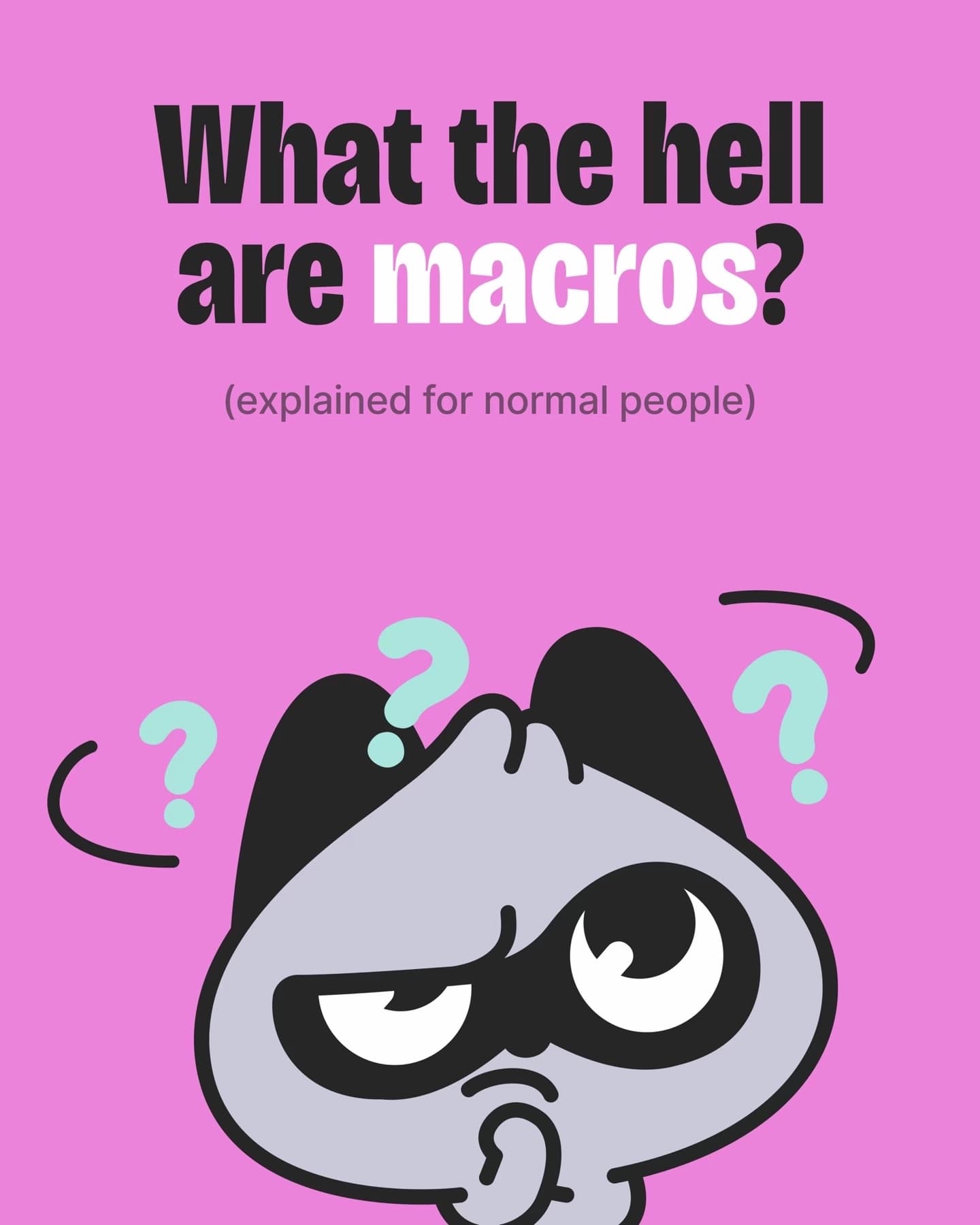
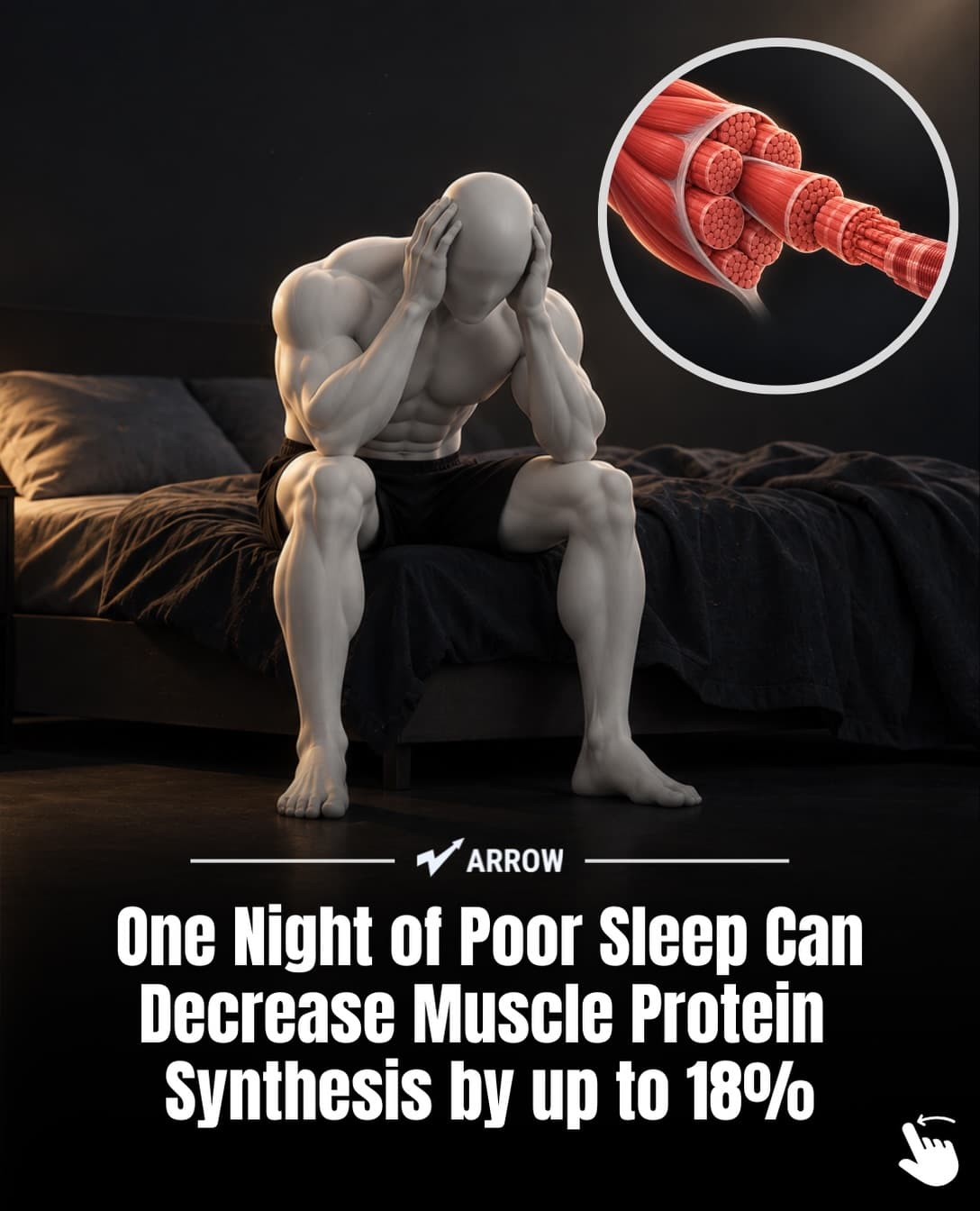
These first slides come from decks SlideBase generated for three apps from their listings. Each one is a different formula from the table.

Each formula, with an example and what slide 2 must do
A hook only earns the first swipe. Slide 2 decides whether the viewer stays, so every formula below comes with the job slide 2 has to do.
1. “[Number] things every [person] learns the hard way”
Example for a running app: “7 things every new runner learns the hard way.” It works because it flatters experienced viewers (they nod along) and warns beginners (they save it). Slide 2: start with the most painful lesson, not the most obvious one. Number the slides out of order if it helps; the golf deck above starts at 2 and ends at 1.
2. “What the hell is [term]? (explained for normal people)”
Example for a budgeting app: “What the hell is an emergency fund? (explained for normal people).” It gives permission to not know something. Slide 2: a one-line definition with no jargon, then a simple visual. The BitePal deck follows with “Macros = macronutrients” and three cards.
3. “One [small thing] can [surprising result]”
Example for a hydration app: “One glass of water before your coffee changes your afternoon.” The gap between a small input and a big output is the hook. Slide 2: the evidence. If the claim is a study, put the citation on the slide, as the Arrow deck does on its chart slide. If you cannot source it, soften the claim.
4. “Stop [common habit]. Do this instead.”
Example for a study app: “Stop rereading your notes. Do this instead.” It challenges something the viewer did today. Slide 2: explain why the habit fails in one sentence, before you give the alternative. Skipping the why makes the post feel like an ad.
5. “POV: [specific relatable moment]”
Example for a couples app: “POV: it is your anniversary and you forgot what she said she wanted.” The more specific the moment, the better. Slide 2: make it worse, then turn. Relatable hooks need a second slide that deepens the feeling before offering any relief.
6. “I [did X] for [time]. Here is what changed.”
Example for a language app: “I practised 10 sentences out loud every day for 30 days.” A personal experiment is easy to believe and easy to finish. Slide 2: the starting point, with a number. Without a before, there is no after. Only post experiments you or a real user actually did.
7. “[Popular thing] vs [alternative]: which actually [outcome]?”
Example for a habit tracker: “Streak counters vs habit forecasts: which actually keeps you going?” Comparisons borrow attention from something the viewer already knows. Slide 2: be fair to the popular option first. Viewers trust a comparison that admits what the other side does well.
8. “You are [doing X] wrong if [sign]”
Example for a skincare app: “You are layering your skincare wrong if your serum goes on last.” A self-check pulls people in because they want to know if it is them. Slide 2: the correct order or method, shown visually. Keep the tone helpful; the “wrong” is in the hook, not the whole post.
9. “[Number]% of [people] [surprising fact]”
Example for a subscription tracker: “[X]% of people pay for a subscription they forgot about.” Use only a figure you can cite, and write the source on a slide. A made-up statistic is the fastest way to get a comment section full of corrections. Slide 2: the source and what the number means in everyday terms.
10. “Nobody tells you this about [life stage]”
Example for a baby-sleep app: “Nobody tells you this about the 4-month sleep regression.” It targets people in a moment of change, who are actively looking for help. Slide 2: the thing nobody tells you, stated plainly. Do not make them wait three slides for it.
11. “Can you [do X] while [unexpected condition]?”
Example for a calorie app: “Can you lose weight eating only pastry?” The BitePal deck uses this one on slide 9, mid-deck, to re-hook viewers who were drifting. Slide 2 (or the next slide): “Yes, but…” followed by the honest trade-off. A question hook that answers with a flat “no” tends to feel like a trick.
12. “The [time/money] I wasted before I knew this”
Example for a travel app: “The $400 I wasted on my first trip to Japan.” Loss is more motivating than gain. Slide 2: itemise the waste. Specific small losses (“$38 on a train I did not need”) beat one round number.
13. “Rating [familiar things] by [criterion]”
Example for a recipe app: “Rating 6 fast-food breakfasts by how long they keep you full.” Rankings invite disagreement, and comments help distribution. Slide 2: the lowest-ranked item, with a reason. Saving the best for last keeps people swiping.
14. “If you [specific situation], read this”
Example for a journaling app: “If you lie awake replaying conversations, read this.” It works as a filter: the right person feels addressed directly. Slide 2: acknowledge the feeling before offering any advice. Handle sensitive topics carefully and never promise a cure.
15. “[Number] signs your [thing] is [problem]”
Example for a finance app: “5 signs your budget is too strict to last.” Diagnosis posts get saved and sent to friends. Slide 2: the most common sign first, so most viewers recognise themselves early.
Matching formulas to app categories
Some formulas fit some apps better. This is a starting point from the decks we have looked at, not a rule; test it against your own numbers.
| App category | Try first | Usually weaker |
|---|---|---|
| Fitness and health | 3, 8, 15 | 13 |
| Food and calorie tracking | 2, 11, 13 | 10 |
| Finance and budgeting | 2, 9, 12 | 5 |
| Productivity and study | 4, 6, 12 | 13 |
| Relationships and social | 5, 10, 14 | 9 |
| Sport and hobby | 1, 7, 8 | 14 |
| Language learning | 6, 7, 12 | 15 |
| AI tools and editors | 7, 13, 4 | 10 |
For category-specific hooks already written out, browse our TikTok hooks for apps library and the idea lists in TikTok content ideas for apps.
How to test hooks without guessing
Formulas give you options. Testing tells you which one your audience likes. A simple method that works on any posting schedule:
- Pick one topic that you know matters to your users.
- Write the same post with three different hooks from three different formulas. Keep slides 2 to 7 identical.
- Post them on three different days at the same time.
- Compare views and saves at 48 hours. One post is noise; repeat the test on two more topics before you trust a pattern.
After three rounds you will know which two or three formulas suit your audience, and you can stop treating every first slide as a fresh creative problem. The slideshow strategy guide explains why consistency across many posts matters more than any single hook.
Rules that apply to every formula
- Under 12 words. The first slide is read in about a second. Long hooks get scrolled past.
- No app name on slide 1. A brand name signals an ad. Save it for the last slide.
- One person, one tension. “Everyone” is nobody. “New runners” is somebody.
- Large, high-contrast text. The hook has to be readable on a small phone with the TikTok interface on top. Our slideshow size guide covers the safe zones.
- Deliver what you promised. If the hook says “7 things”, show seven. A hook that overpromises earns one swipe and loses the follower.
- The caption is a second hook. Do not repeat slide 1. Add context or a question. Our caption templates have examples.
Where SlideBase fits
SlideBase reads your App Store, Google Play or website listing, works out who the app is for, and drafts several first-slide hooks for that audience, then writes the rest of the deck, the caption and five hashtags. You pick the hook you like, edit any slide, and download or schedule it. It is a starting point, not a replacement for judgement; the formulas in this article are what you use to decide which draft is good. Credits are spent per slide, so a 7-slide deck costs about 7 credits; the plans page has the details, and the slideshow generator page shows the process. If you want to see what it writes for your app, create an account and paste your link.
FAQ
What makes a good TikTok slideshow hook?
It names a specific person and a tension in under 12 words, it is readable in a second, and it promises something the rest of the deck actually delivers. It does not mention the app. The best hooks use the exact words your users would say about their problem.
Are text hooks different from video hooks?
Yes. A video hook can rely on movement, a face or a sound in the first second. A slideshow hook is only text and an image, so the sentence has to do all the work. That is why formulas built on numbers, questions and specific situations dominate slideshow hooks.
How many hooks should I test per topic?
Three is a practical number. Post the same deck with three different first slides on different days, compare views and saves after 48 hours, and repeat across a few topics before trusting the result.
Should the app be mentioned in the hook?
Almost never. A brand name on slide 1 reads as an ad, and viewers swipe past ads. Introduce the app on the last slide or two, after the viewer has agreed with the post.
Can I use statistics in a hook?
Only ones you can source, and put the source on a slide. A real number from a study or your own product data is powerful. An invented one invites corrections in the comments and damages trust in the account.