
TikTok Slideshow Captions and Hashtags for Apps: 30 Copy-Paste Templates
30 caption templates for app slideshows by deck type, hashtag sets for 8 app categories, and current TikTok and Instagram caption limits.
By the SlideBase team · November 4, 2026 · 10 min read
A good TikTok slideshow caption for an app does three jobs in about three lines: it repeats the hook in words people search for, it adds one line of context the slides could not fit, and it tells the viewer where the app is. Add three to five specific hashtags and stop. Below are 30 copy-paste caption templates grouped by the kind of deck they belong to, a hashtag set for eight app categories, and the current length limits on TikTok and Instagram. SlideBase writes a caption and five hashtags for every deck it generates, but every template here works by hand.
What the caption is for on a slideshow
On a video, the caption is often an afterthought. On a slideshow it matters more, for two reasons.
First, the slides carry the story, so the caption is free to do the boring work: keywords and directions. TikTok search reads captions, and plenty of people now type “best budgeting app” or “how to count macros” into TikTok the way they would into Google. A caption that says what the post is about in plain words gives the post a second life in search, long after the For You push fades.
Second, the caption is the only place a viewer who loved the deck can learn what to do next without tapping your profile. “Search Ledgerly on the App Store” is a lot easier to act on than a vague “link in bio” when most of your installs come from people typing your app’s name into the store.
Limits worth knowing (checked November 2026)
| TikTok photo post | Instagram carousel | |
|---|---|---|
| Title | Up to 90 characters (per TikTok’s Content Posting API docs) | No separate title |
| Caption / description | Up to 4,000 characters (same docs) | Up to 2,200 characters (Meta’s Instagram API reference) |
| Hashtags | No separate cap published; they count toward the caption length | Five per post, rolled out from December 2025 (announced by Adam Mosseri; Meta’s developer reference still says 30) |
| Clickable links in caption | No | No |
The practical takeaway: you have far more room than you need on both platforms. The constraint is attention, not characters. Most of the captions below are under 300 characters, and the first line is the only one most people read.
The caption formula we use
- Line 1: the hook, rewritten with a search term. If slide 1 says “What the hell are macros?”, line 1 might say “Macros explained in 10 slides, no maths degree needed.”
- Line 2: one line of context or a question. Something the slides did not say, or a prompt that invites a comment.
- Line 3: the app, plainly. Name it and say where to find it. “It’s called BitePal, free on iOS.”
- Hashtags: three to five. One for the category, two for the specific problem, one for the audience, optionally one with your app name.
Here is a deck SlideBase generated for a strength-training app called Arrow, and the caption that ships with it:
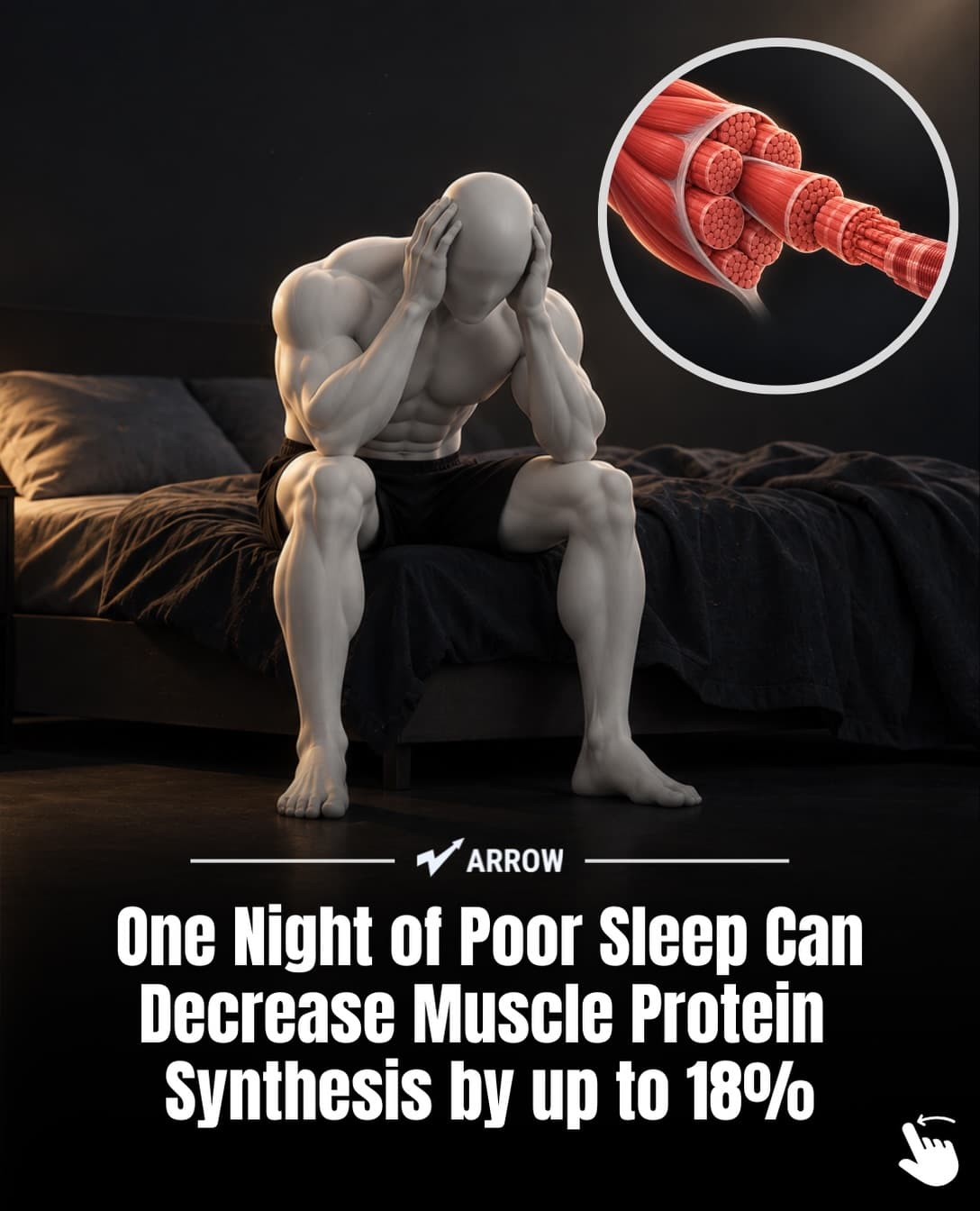
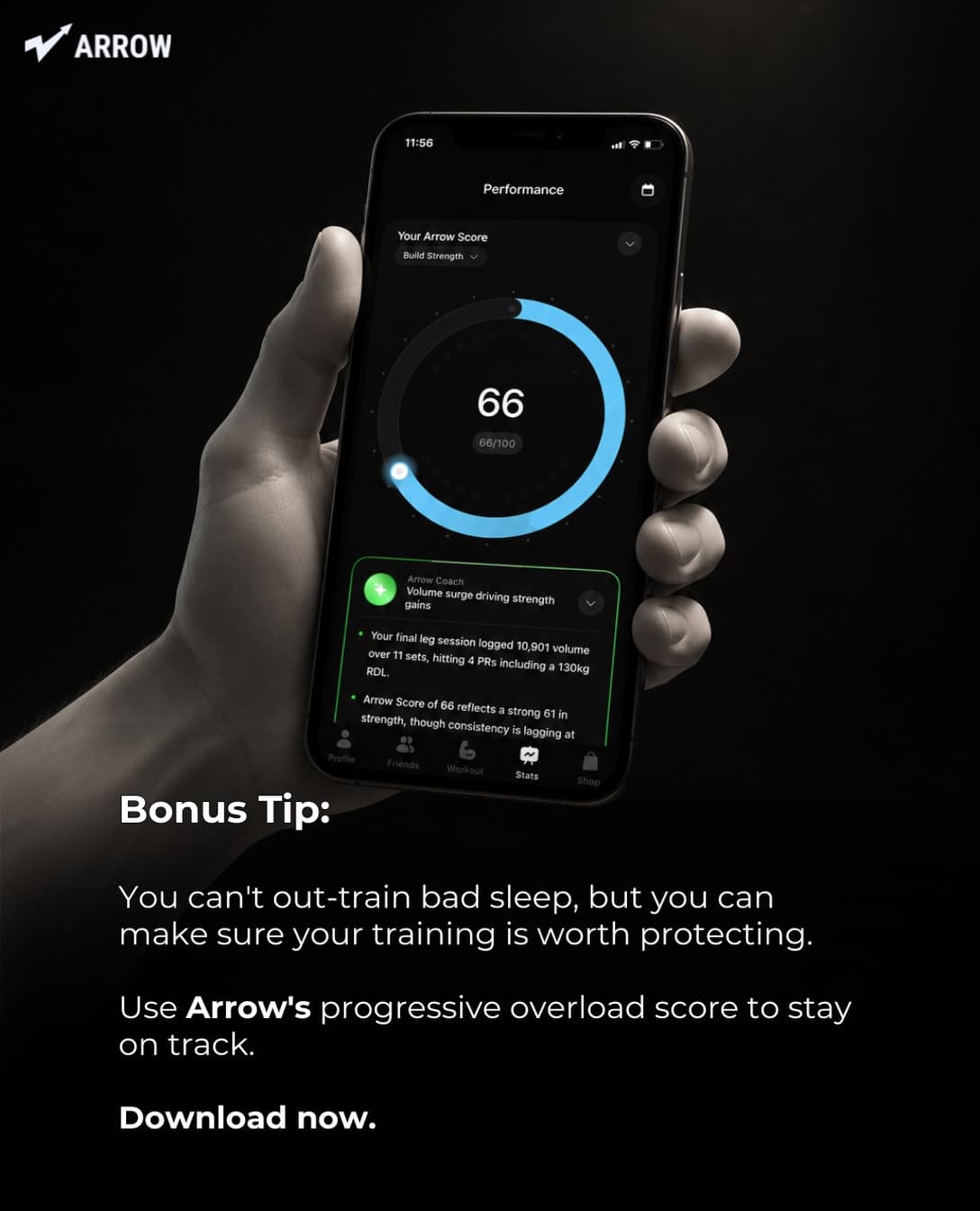
One bad night of sleep can cut muscle protein synthesis by 18%. Your training is only as good as your recovery.
What’s your average sleep on a training day?
Arrow tracks your progressive overload score so you can see when recovery is holding you back.
#gymtok #musclegrowth #sleeprecovery #strengthtraining #progressiveoverload
Line 1 uses words people search (“sleep”, “muscle”). Line 2 asks a question that is easy to answer in the comments. Line 3 names the app once. No emoji wall, no “link in bio 🔥🔥🔥”.
30 caption templates for app slideshows
Replace the bracketed parts. Each template has a filled example for a hypothetical app so you can see the tone. They are grouped by deck type, because the caption should match what the slides do.
Story decks (“I tried X and…”)
- [Time period] of [struggle]. Here’s the one thing that changed it. “Two years of failed budgets. Here’s the one thing that changed it.”
- I was [doing common thing] wrong for [time]. Slide [n] is the part nobody told me. “I was meal prepping wrong for a year. Slide 4 is the part nobody told me.”
- What [number] days of [habit] actually looked like, honestly. “What 60 days of journaling actually looked like, honestly.”
- I almost quit [goal] in week [n]. Saving this for anyone in week [n] right now. “I almost quit Spanish in week 3. Saving this for anyone in week 3 right now.”
- The [goal] routine I wish I’d had at [age]. Made an app for it: [App], on [store]. “The study routine I wish I’d had at 19. Made an app for it: Focusly, on iOS.”
List and tips decks
- [Number] [topic] tips that are not [obvious tip]. Save for later. “7 sleep tips that are not ‘put your phone away’. Save for later.”
- [Number] things every [audience] learns the hard way. Which one got you? “8 things every golfer learns the hard way. Which one got you?”
- The [topic] checklist I use every [frequency]. Number [n] matters most. “The skincare checklist I use every morning. Number 2 matters most.”
- [Number] [topic] mistakes I see every week, and the fix for each. “5 macro-tracking mistakes I see every week, and the fix for each.”
- If you only do one thing from this list, do [n]. [App] reminds me to. “If you only do one thing from this list, do 4. Streakly reminds me to.”
Myth-bust decks
- “[Common belief].” Not quite. Here’s what the research says. “‘Carbs make you gain weight.’ Not quite. Here’s what the research says.”
- Stop [common advice]. Do this instead. “Stop doing 100 flashcards a day. Do this instead.”
- The [topic] advice that sounds right and isn’t. “The saving advice that sounds right and isn’t.”
- [Number]% of [audience] believe this about [topic]. Swipe before you agree. Only use a number you can source. “Most new runners believe this about pace. Swipe before you agree.”
- Unpopular opinion: [claim]. Tell me I’m wrong. “Unpopular opinion: streaks are bad for learning a language. Tell me I’m wrong.”
Comparison decks
- [Option A] vs [Option B]: same [metric], very different [outcome]. “Croissant vs chicken and potatoes: same 500 calories, very different afternoon.”
- What [amount] gets you with [method A] vs [method B]. “What $200 a month gets you in a savings account vs an index fund.”
- [Famous app] vs doing it [other way]. I tried both for [time]. “Duolingo vs 40 spoken sentences. I tried both for a month.”
- Before and after [change], [time] apart. “Before and after fixing my bedroom temperature, 3 weeks apart.”
- The cheap way vs the expensive way to [goal]. Slide [n] surprised me. “The cheap way vs the expensive way to fix your skin. Slide 5 surprised me.”
Explainer and data decks
- [Topic] explained for normal people, in [n] slides. “Macros explained for normal people, in 10 slides.”
- The study that changed how I [activity]. Source on slide [n]. “The study that changed how I train. Source on slide 3.”
- Why [thing] happens, and what to do about it tonight. “Why you wake up at 4am, and what to do about it tonight.”
- Everything I wish someone told me about [topic] before [event]. “Everything I wish someone told me about budgeting before my first salary.”
- [Question people search]? The short answer is on slide [n]. “Can you lose weight eating pastry? The short answer is on slide 9.”
App-forward decks (use sparingly)
- I built [App] because [personal reason]. Here’s what it does. “I built Two of Us because I kept forgetting the small stuff. Here’s what it does.”
- [Number] things [App] does that I didn’t expect to use daily. “3 things Parla does that I didn’t expect to use daily.”
- The [problem] fix that takes [short time] a day. Search [App] on the [store]. “The overspending fix that takes 30 seconds a day. Search Ledgerly on the App Store.”
- Our [App] update: [what changed], because you asked for it in the comments. “Our Streakly update: weekly forecasts, because you asked for it in the comments.”
- Free on [store]. If [problem] is you, try it for a week and tell me. “Free on Android. If 4am wake-ups are you, try it for a week and tell me.”
Use app-forward captions on maybe one post in five. The rest should be about the viewer’s problem, with the app named once in line 3. That ratio comes from the same logic as the deck itself: people follow useful accounts, not ads. For more angles to write captions around, see 45 TikTok content ideas for apps and 25 faceless TikTok ideas for app developers.
Hashtag sets by app category
Hashtags on TikTok are a weak signal compared with the content itself, but they help label a new account, and on Instagram the five-tag cap forces you to choose. These are starting sets; swap one each week and see whether reach moves.
| App category | Five hashtags |
|---|---|
| Calorie or macro tracker | #nutritiontips #macros #caloriecounting #weightlossjourney #healthyeating |
| Strength or fitness | #gymtok #strengthtraining #progressiveoverload #fitnesstips #musclegrowth |
| Budgeting or finance | #personalfinance #budgeting #moneytips #savingmoney #financetok |
| Language learning | #languagelearning #learnspanish #polyglot #studytips #travelphrases |
| Productivity or habits | #productivitytips #habits #studywithme #selfimprovement #routine |
| Skincare | #skincareroutine #skintok #skincaretips #acnetips #sunscreen |
| Sleep or wellness | #sleeptips #sleepbetter #wellness #insomnia #nightroutine |
| Golf or sports training | #golftips #golftok #golfswing #golflife #golfer |
Skip generic tags like #fyp, #viral and #foryou. They describe every post on the platform, so they tell TikTok nothing about yours, and Instagram has named generic tags as part of why it introduced the five-tag limit.
Captions that quietly hurt you
- Repeating every slide in the caption. People who read the slides do not need it twice; people who did not swipe will not read a wall of text.
- Promises you cannot back. “Lose 10kg in a month with this app” invites reports and, on Instagram and TikTok alike, falls foul of health-claim rules. Keep claims to what the slides prove.
- Only “link in bio”. Add the app name and store so people can search it directly.
- Hashtag stuffing. Twenty tags look like spam and cost you the five that would have helped on Instagram.
- The same caption on every post. If you post daily, vary line 1 at least. It is the part search and readers both see.
Writing captions at volume
If you post one slideshow a day, you write thirty captions a month. The templates above make that bearable by hand. If you would rather review than write, SlideBase generates the caption and five hashtags together with the slides from your App Store, Google Play or website link, so they match the hook on slide 1, and you can edit both before posting or scheduling. Credits are spent per slide (a six-slide post costs about six credits) and the caption comes with the deck. Plans start at $29 a month; Pro and Ultra include a 3-day trial (see plans). You can see sample output on the AI TikTok slideshow generator page, or paste your app’s link and get a deck with captions for your own app.
The caption is the second thing people read. The first is slide 1, and that is where most of the result comes from: our hook library for apps and the 15 hook formulas are the better place to spend an extra ten minutes. New to the format? Start with how to make a TikTok slideshow.
FAQ
How long should a TikTok slideshow caption be?
Two to four short lines is plenty for an app post. TikTok allows up to 4,000 characters, but most viewers only see the first line before the “more” cut. Put your search keyword and hook in that first line and keep the rest short.
How many hashtags should I use on a TikTok slideshow?
Three to five specific ones. TikTok does not publish a separate hashtag limit, but long lists of broad tags add nothing. If you cross-post the same deck to Instagram, five is now the maximum there, so writing five from the start saves editing.
Should I put my app name in the caption?
Yes, once, near the end, with the store it is on. Many TikTok viewers search the App Store or Google Play for the name instead of tapping a bio link, so a clearly spelled app name is often your best conversion path.
Can I use the same caption on TikTok and Instagram?
Mostly. Keep line 1 and the app line the same, trim hashtags to five for Instagram, and swap “search it on TikTok” style phrasing for “link in bio”, since Instagram allows several bio links on professional accounts.
Is there a TikTok slideshow caption generator for apps?
SlideBase writes a caption and five hashtags for every slideshow it generates from your app’s listing, matched to the hook on the slides. General AI writers can draft captions too, but they do not see your slides, so you will spend time making the two agree.