
AI Tools for App Marketing in 2026: What Each One Actually Does
ASO, slideshow content, analytics and automation tools for indie apps, with prices checked on each vendor's site in November 2026.
By the SlideBase team · November 4, 2026 · 10 min read
The AI tools for app marketing that matter in 2026 fall into five jobs: app store optimization (AppTweak, Appfigures, Astro), social content creation (SlideBase, SlideStorm, ReelFarm), social analytics (Shortimize), scheduling and automation (Postiz, Blotato), and general writing assistants. No single tool does all five, and a solo developer rarely needs more than two. SlideBase is our own product and sits in the content category; we list it honestly next to its rivals, with prices checked on each vendor’s own site in November 2026.
This is not a ranked “best of” list. It is a map: what each category does, which tool in it does what, what it costs, and which one an indie developer should pick first.
The five jobs, and which one to solve first
| Job | What the AI does | Tools in this article | Solve it when |
|---|---|---|---|
| App store optimization | Keyword suggestions, relevance scoring, review analysis | AppTweak, Appfigures, Astro | Before launch, then monthly |
| Social content creation | Writes and lays out TikTok and Instagram slideshows | SlideBase, SlideStorm, ReelFarm | When you need to post daily |
| Social analytics | Tracks views across many accounts and videos | Shortimize | When you run several accounts or creators |
| Scheduling and automation | Posts on a schedule, connects to AI agents and APIs | Postiz, Blotato | When you post to many platforms or build your own pipeline |
| General writing | Drafts store copy, replies to reviews, brainstorms angles | Any general AI assistant | From day one |
For most indie apps, the order is: basic ASO with a cheap tool, then a content tool so you can post every day, then analytics or automation only if you scale to several accounts. The reasoning behind that order is in our ASO vs TikTok comparison and the indie app marketing guide.
1. App store optimization tools
ASO tools tell you which words people type into App Store and Google Play search, how hard each one is to rank for, and where your app currently ranks. In 2026 the AI parts are mostly keyword suggestions and summaries.
AppTweak
A full ASO and Apple Ads platform: keyword research, competitor monitoring, creative research and reporting. Its AI features include a keyword relevancy score, an ASO agent that suggests metadata changes, review sentiment analysis, AI screenshot search and an AI visibility tracker for how apps appear in AI recommendations. Price: Essential from €79 a month, Grow from €249, Expand from €499, with the price rising by number of apps; Enterprise on request. 7-day free trial on the self-serve plans. Best for: studios with several apps or a real Apple Ads budget. Less suited to: a single indie app; the entry price is high for one listing.
Appfigures
App analytics plus ASO: downloads, revenue, keyword rankings and competitor tracking in one dashboard, with AI keyword suggestions based on performance and AI-based related keyword discovery. Price: a free Starter plan for analytics on up to 5 connected apps; paid Analytics and ASO plans listed from $9.99 a month (Connect, no keywords) through $44.99 (Monitor, 100 keywords) up to $1,399.99, with lower prices shown for annual billing. Best for: developers who want sales reports and keywords in one place. Less suited to: anyone who only wants keyword research, since the cheapest plan does not include keywords.
Astro
A Mac app for keyword research: popularity and difficulty scores, suggestions, daily ranking updates, competitor keyword extraction and DeepL-powered translation across 60+ stores. Its site does not describe AI features, so it is here as the low-cost ASO option rather than an AI tool. Price: $9 a month (Single Mac License, $108 billed annually), with a 14-day refund window rather than a free trial. Best for: indie developers on a Mac who want keyword data without a big subscription.
2. Social content creation tools
These tools produce the posts themselves. All three below focus on TikTok photo slideshows, the format most consumer apps use to post daily without filming. The difference is what you give them as input and how they charge.
SlideBase (our product)
Paste an App Store, Google Play or website link. SlideBase reads the public listing (name, description, screenshots), writes a hook, the slide text, a caption and five hashtags, and lays out 6 to 8 vertical slides in your brand colours, with the app on the last slide. You can edit everything, download JPEGs or a ZIP, or schedule to TikTok and Instagram through the official APIs. It makes photo slideshows only, no video. Price: Starter $29 a month (200 credits), Pro $49 (400), Ultra $99 (1,000). Credits are spent per slide, so a 6-slide post is about 6 credits; unused credits roll over. Pro and Ultra have a 3-day trial; Starter starts paid. See plans. Best for: app developers who want posts written from their own listing, for both TikTok and Instagram. Where rivals are better: SlideStorm has a cheaper entry plan and explicit multi-account TikTok limits; ReelFarm is built to plug into AI agents as an MCP tool, which SlideBase does not offer.
SlideStorm
An AI slideshow generator and scheduler for TikTok. You start from a prompt, can keep a consistent character across slides, generate up to 10 slideshows from one prompt, and connect several TikTok accounts. Price: Starter $19 a month (300 credits, 5 TikTok accounts), Pro $49 (900 credits, 25 accounts), Premium $99 (2,100 credits, 100 accounts). A slideshow costs 1 credit and an AI image 3 credits. The editor can be tried free; no generation trial length is stated. Best for: running many TikTok accounts from prompts. Less suited to: starting from an app listing, since input is a prompt rather than a store link.
ReelFarm
Makes TikTok slideshows and Instagram carousels for businesses and works as an MCP tool for AI agents. Price: Growth $49 a month (100 slideshows), Scale $95 (250), Enterprise $195 (750). No free trial; its pricing page says plans start at $49. Best for: teams that think in slideshows per month, or that want an AI agent to request slideshows. Less suited to: anyone who wants to test before paying.
For a closer comparison of slideshow tools specifically, read the best TikTok slideshow makers for app developers.
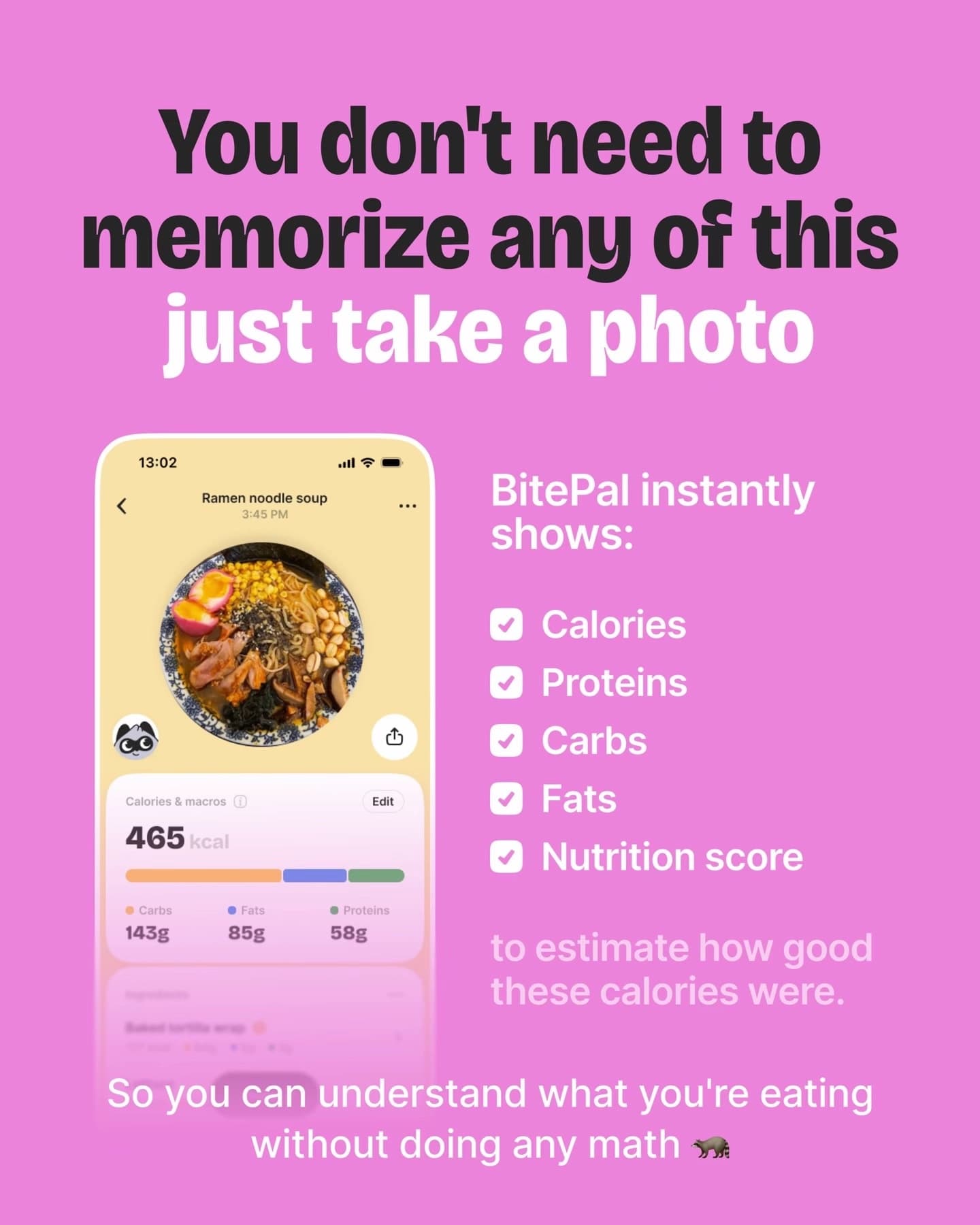
What content-tool output looks like
3. Social analytics
Shortimize
Tracks and analyses short-form videos across platforms, with unlimited account tracking, automated creator payments and integrations with Slack, Mixpanel, Amplitude and PostHog. Its blog is also the best public source of app TikTok case studies. Price: Launch $99 a month, Scale $249, Enterprise custom; free trial offered on Launch and Scale (length not stated). API, webhooks and MCP are add-ons below Enterprise. Best for: apps running many accounts or paying creators, who need one view of everything. Less suited to: a single account in its first month; TikTok’s built-in analytics are enough until you have several accounts. Shortimize analyses posts; it does not make them, so it pairs with a content tool rather than replacing one.
4. Scheduling and automation
Postiz
A social scheduler available as a hosted service or open-source software you can self-host. Every plan includes an AI copilot, an agent that schedules and writes through conversation, plus MCP server, CLI, API and webhooks. Higher plans include AI images, AI videos and video clipping minutes. Price: Standard $29 a month, Team $39, Pro $49, Ultimate $99 (lower annually), 7-day free trial. Best for: developers who want to wire their own pipeline with agents, or self-host. Less suited to: anyone who wants finished app posts without building the content step themselves.
Blotato
Describes itself as agent infrastructure for social media marketing: one API and MCP server covering nine platforms, with AI image and video generation, AI voiceovers and unlimited AI writing. Price: Starter $29 a month, Creator $97, Agency $499; 7-day free trial (without API or MCP access during the trial). Starter allows up to 900 TikTok posts a month. Best for: automation builders connecting n8n or AI agents to many social accounts.
5. General AI assistants
A general chat assistant is the cheapest marketing tool you already have. Use it to draft App Store descriptions in several languages, rewrite your subtitle ten ways, reply to reviews, and brainstorm angles for posts. Where it falls short is the production step: it writes slide text, but you still have to lay out the slides, keep them on brand, and post every day. That gap is what the content tools above exist for. We have not quoted prices here because plans change often; most have a free tier.
Price summary (checked November 2026)
| Tool | Category | Entry price | Free trial or tier |
|---|---|---|---|
| AppTweak | ASO | €79/mo | 7-day trial |
| Appfigures | ASO + analytics | Free; paid from $9.99/mo | Free Starter plan |
| Astro | ASO (Mac) | $9/mo | 14-day refund window |
| SlideBase | Slideshow content | $29/mo | 3-day trial on Pro and Ultra |
| SlideStorm | Slideshow content | $19/mo | Free editor; trial not stated |
| ReelFarm | Slideshow content | $49/mo | None |
| Shortimize | Social analytics | $99/mo | Trial offered, length not stated |
| Postiz | Scheduling | $29/mo | 7-day trial; self-host option |
| Blotato | Automation | $29/mo | 7-day trial |
Prices are monthly billing as shown on each vendor’s pricing page on 4 November 2026. They change; check the vendor before you buy.
A sensible stack for an indie app
- Month 0 (pre-launch): a general assistant for store copy, plus Astro or the Appfigures free tier for keywords. Cost: close to zero.
- Months 1 to 3: add one content tool so you can post a slideshow every day on TikTok and Instagram. Use TikTok’s own analytics. See the 30-day launch plan for how to use it.
- Once a channel works: add analytics (Shortimize) if you run several accounts or creators, or automation (Postiz, Blotato) if you are building your own pipeline. Move to a fuller ASO tool if search becomes your main channel.
The trap is buying four tools in week one and spending your time configuring them instead of posting. One content tool and one keyword tool will carry most indie apps through their first thousand downloads; our guide to getting app downloads without ads explains how those channels fit together.
What AI still does badly in app marketing
- Knowing your user. AI writes from your listing and your prompt. If those are vague, the output is vague. Your notes about who the app is for matter more than the tool.
- Facts. Any statistic an AI writes into a slide needs checking. Unsourced numbers are the most common mistake in AI-generated posts.
- Taste. Choosing which of six drafted hooks is the good one is still your job. Our hook formulas help.
- Guarantees. No tool can promise downloads. Anyone who does is selling something other than software.
If the content step is where you are stuck, the slideshow generator and TikTok marketing for apps pages show how SlideBase handles it, or you can paste your app link and see the first slides.
FAQ
What is the best AI tool for app marketing?
There is no single best one, because the tools do different jobs. For an indie app, the most useful pair is a low-cost ASO tool for store keywords and a content tool that lets you post on TikTok and Instagram every day. Add analytics or automation only once a channel is working.
Are there free app marketing tools?
Yes. Appfigures has a free analytics tier, general AI assistants have free plans, and TikTok’s and Apple’s own analytics cost nothing. Paid tools mainly save time; they do not unlock channels you could not use for free.
Can AI make TikTok content for my app?
AI can write and lay out photo slideshows from your app listing or a prompt, which covers most of the daily work. You should still review every post, check any numbers, and choose the hooks, because the tool does not know your users as well as you do.
Is SlideBase an ASO tool?
No. SlideBase makes TikTok and Instagram photo slideshows from your App Store, Google Play or website link. It does not do keyword research or rank tracking, so pair it with an ASO tool if store search matters to you.
How often do these prices change?
Often. We checked every price in this article on the vendor’s own pricing page in November 2026, and we will update the article periodically, but always confirm on the vendor’s site before buying.